azure-diagram-mcp
by dminkovski·★ 25·Score 44
An MCP server that converts natural language descriptions into Azure architecture diagrams using Python's Diagrams library.
Overview
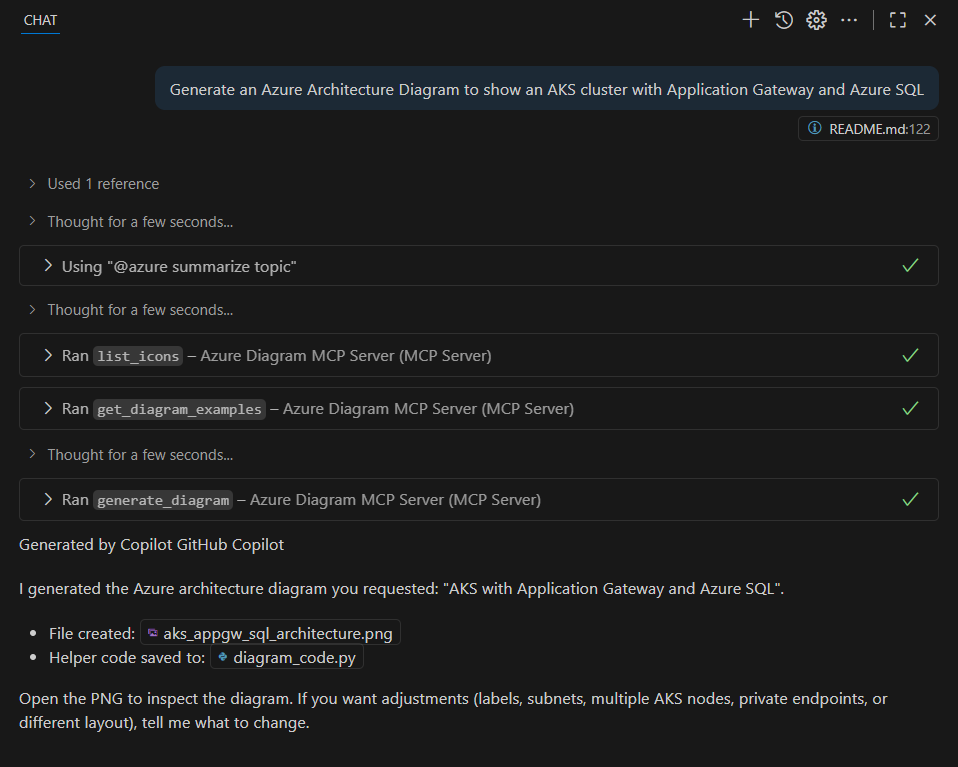
The azure-diagram-mcp server allows users to generate Microsoft Azure architecture diagrams from simple text descriptions. It utilizes the Python Diagrams library along with GraphViz to create visual representations of cloud architectures in PNG format. The server integrates with GitHub Copilot in Visual Studio Code, enabling users to generate diagrams through natural language prompts without manual diagram creation.
Try asking AI
After installing, here are 5 things you can ask your AI assistant:
When to choose this
Choose this when you need to quickly generate Azure architecture diagrams through natural language prompts without using diagramming tools.
When NOT to choose this
Don't choose this if you need detailed customization of diagrams or support for non-Azure cloud providers.
Tools this server exposes
1 tool extracted from the READMEgenerate_diagramCreates Azure architecture diagrams from natural language descriptions
Comparable tools
Installation
Installation Steps
- Install Python 3.10+ and ensure it's added to your system's PATH
- Install GraphViz from https://graphviz.org/download/
- Clone the repository and install dependencies:
``bash pip install -r requirements.txt ``
- Configure in your MCP client (e.g., VS Code GitHub Copilot):
``json { "mcpServers": { "Azure Diagram MCP Server": { "type": "stdio", "command": "python", "args": [ "-m", "azure_diagram_mcp_server.server" ], "cwd": "PATH_TO_YOUR_CLONED_REPO", } } } ``
FAQ
- What types of diagrams can I create with this MCP server?
- The server can create Azure architecture diagrams, sequence diagrams, flow charts, and class diagrams using the Python Diagrams library with Azure icons.
- Where are the generated diagrams saved?
- Diagram images are automatically saved in the 'diagrams/' folder within the project directory.
Compare azure-diagram-mcp with
Last updated · Auto-generated from public README + GitHub signals.