EDT-MCP
by DitriXNew·★ 156·Score 50
MCP server for 1C:EDT that enables AI assistants to interact with development workspace through 56 specialized tools.
Overview
EDT-MCP is a comprehensive MCP server for 1C:EDT, providing extensive functionality for AI assistants to interact with the development environment. It supports EDT 2026.1+ (with compatibility for 2025.x via older plugin version) and implements the MCP Protocol 2025-11-25 with streamable HTTP transport and SSE support. The server offers a rich set of tools for project management, code intelligence, metadata operations, debugging, and more.
Try asking AI
After installing, here are 5 things you can ask your AI assistant:
When to choose this
Choose EDT-MCP if you're working with 1C:EDT and want AI assistants to deeply understand your project structure, validate code, and perform metadata operations without context switching.
When NOT to choose this
Avoid this if you're not using 1C:EDT as it's specifically designed for this platform and requires the IDE to be running.
Tools this server exposes
12 tools extracted from the READMEget_edt_versionReturns current EDT version
list_projectsLists workspace projects with properties
get_configuration_propertiesGets 1C configuration properties
get_project_errorsReturns EDT problems with severity/checkId/objects filters
get_content_assistGet content assist proposals (type info, method hints)
get_metadata_objectsGet list of metadata objects from 1C configuration
search_in_codeSearch for code patterns across modules
read_module_sourceRead source code of a module
update_databaseUpdate 1C database with configuration changes
rename_metadata_objectRename a metadata object with full refactoring
validate_queryValidate 1C query text in project context
get_form_screenshotGet PNG screenshot of a form
Comparable tools
Installation
Installation
**EDT 2026.1+** (plugin v1.27.0+; use v1.26.1 for EDT 2025.x)
From Update Site
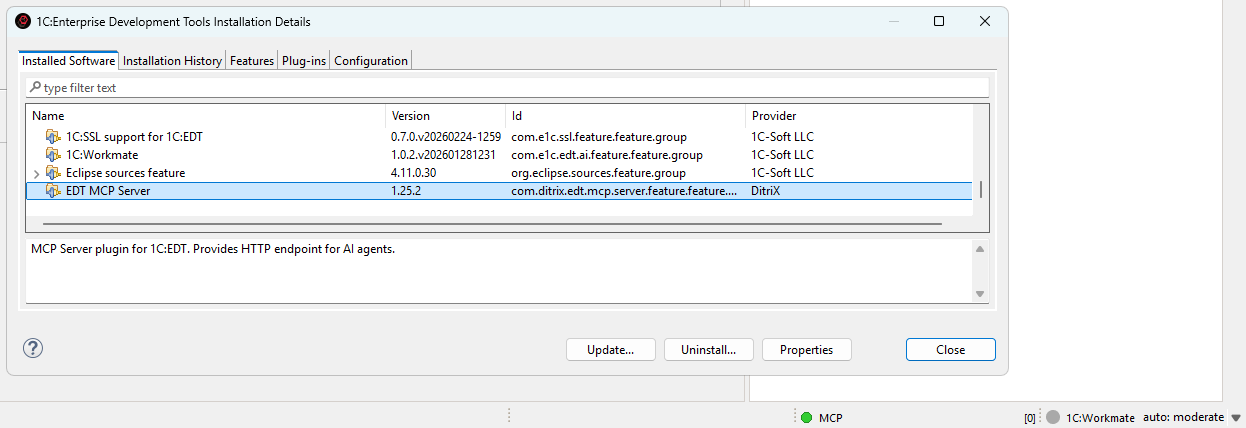
- In EDT: **Help → Install New Software...**
- Add update site URL:
https://ditrixnew.github.io/EDT-MCP/ - Select **EDT MCP Server Feature**
- Restart EDT
Configuration
Go to **Window → Preferences → MCP Server** to configure settings including server port, auto-start, and tool management.
Claude Desktop Integration
Add to claude_desktop_config.json:
{
  "mcpServers": {
    "EDT MCP Server": {
      "url": "http://localhost:8765/mcp"
    }
  }
}
Compare EDT-MCP with
Last updated · Auto-generated from public README + GitHub signals.