guildbridge
by dend·★ 15·Score 42
A remote MCP server for Discord that allows AI agents to read, search, and post messages in Discord servers with authenticated access.
Overview
GuildBridge is a well-designed MCP server specifically for Discord integration. It provides a robust interface for AI agents to interact with Discord servers through OAuth2 authentication and bot tokens. The server implements role-based access control and permission checking to ensure proper access to channels and servers. It includes tools for listing guilds and channels, reading and searching messages, and sending replies. The implementation uses Cloudflare Workers for hosting and includes an admin panel for managing allowed users and audit logging.
Try asking AI
After installing, here are 5 things you can ask your AI assistant:
When to choose this
Choose GuildBridge when you need AI agents to participate in existing Discord communities and want proper authentication and permission controls.
When NOT to choose this
Don't choose this if you need extensive write permissions beyond basic messaging or if you prefer a self-hosted solution without Cloudflare dependency.
Tools this server exposes
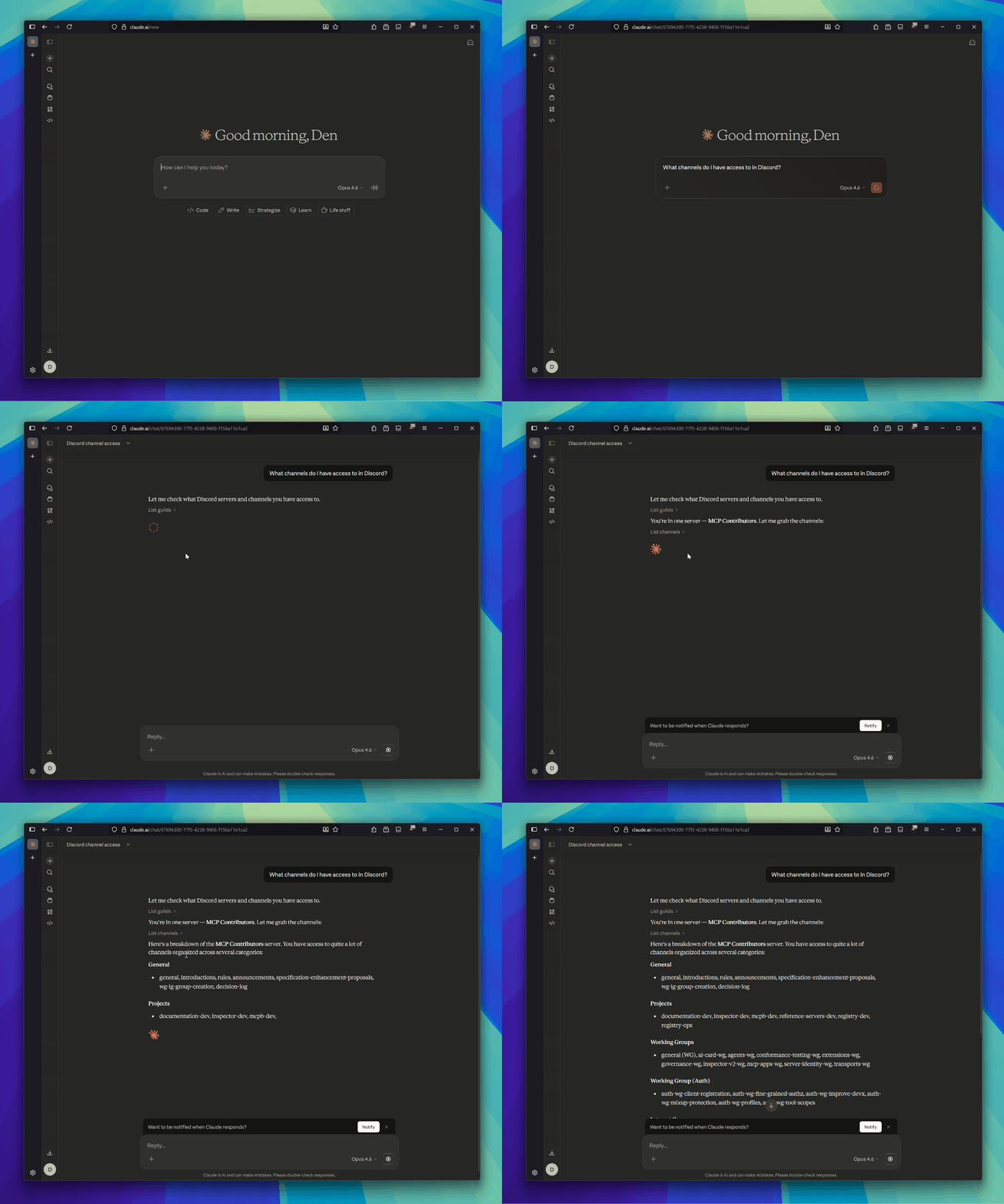
7 tools extracted from the READMElist_guildsList Discord servers you are in
list_channelsList channels in a server (optionally filtered by type)
get_channel_infoGet channel details (topic, type, etc.)
read_messagesRead messages from a channel (with pagination)
search_messagesSearch messages in a server (by content, channel, author)
send_messageSend a message to a channel
reply_to_messageReply to a specific message
Comparable tools
Installation
Installation & Setup
- **Prerequisites**:
- Node.js (v18+) - Cloudflare account - Discord application with bot user and OAuth2 configured
- **Discord App Setup**:
- Create Discord app with bot user - Configure OAuth2 with required scopes - Enable Message Content Intent - Invite bot to servers with necessary permissions
- **Local Development**:
``bash npm install cp wrangler.jsonc.example wrangler.jsonc cp .dev.vars.example .dev.vars npm run dev ``
- **Deploy to Cloudflare**:
Use Terraform or manual setup with Wrangler CLI to provision resources and deploy.
- **Connect MCP Client**:
Point any MCP-compatible client at https://<your-worker>.workers.dev/mcp
For Claude Desktop, add to claude_desktop_config.json:
{
  "mcpServers": {
    "discord": {
      "command": "npx",
      "args": ["@modelcontextprotocol/server-discord"],
      "env": {
        "DISCORD_URL": "https://<your-worker>.workers.dev/mcp"
      }
    }
  }
}
FAQ
- Is this the official Discord MCP server?
- No, this is a community-built MCP server since there is currently no official Discord MCP server.
- How is access control implemented?
- Access control uses Discord OAuth2 for user authentication and Discord's permission system for channel access. Role-Based Access Control is implemented server-side.
Compare guildbridge with
Last updated · Auto-generated from public README + GitHub signals.