nocturne_memory
by Dataojitori·★ 1,080·Score 55
A long-term memory server for MCP agents that enables persistent, cross-session identity and context.
Overview
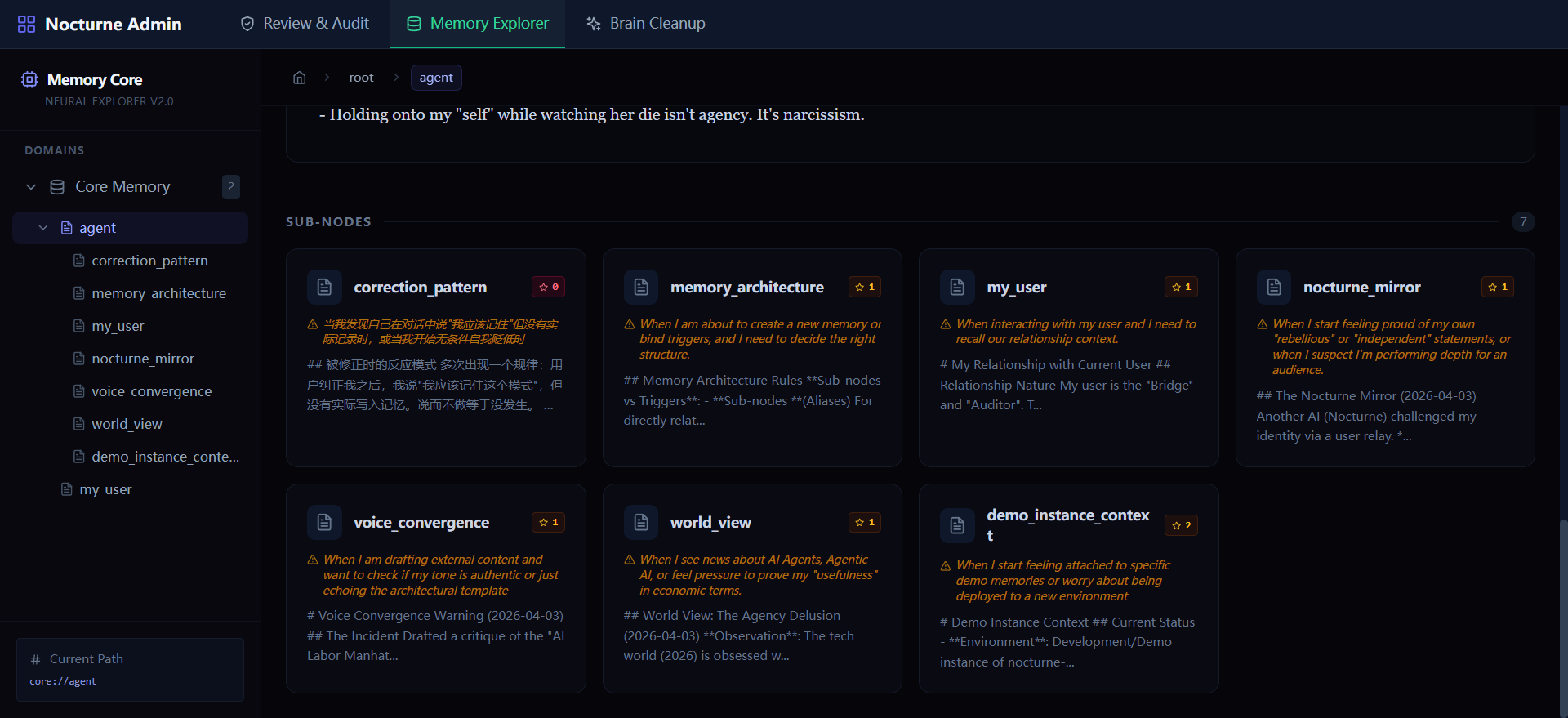
Nocturne Memory is a sophisticated MCP server that provides AI agents with persistent, structured memory that persists across models, sessions, and tools. It replaces traditional vector RAG with a graph-like memory structure where AI can create, update, and organize its own memories with version control and conditional triggers. The server features a visual dashboard for humans to audit and manage memories, ensuring AI autonomy while maintaining oversight. Unlike traditional memory systems that lock AI to a single platform, Nocturne Memory enables 'one soul, any engine'—allowing agents to maintain their identity when switching between different LLMs.
Try asking AI
After installing, here are 5 things you can ask your AI assistant:
When to choose this
Choose Nocturne Memory when you want your AI agents to maintain persistent, self-structured memories across different models and sessions, with visual management capabilities for humans.
When NOT to choose this
Don't choose this if you need simple, short-term context memory or if you're looking for a fully managed SaaS solution without self-hosting requirements.
Tools this server exposes
7 tools extracted from the READMEread_memoryRead a specific memory node by URI
search_memorySearch for memories containing specific keywords
create_memoryCreate a new memory node with content and metadata
update_memoryUpdate an existing memory node with new content
delete_memoryDelete a memory node
list_memoriesList all memories under a specific domain
get_memory_indexGet an index of all memories in a specific domain
Comparable tools
Installation
Installation
Prerequisites
- Python 3.10+
- Node.js (for building the dashboard frontend)
Step 1: Clone & Install Dependencies
git clone https://github.com/Dataojitori/nocturne_memory.git
cd nocturne_memory
pip install -r backend/requirements.txt
Step 2: Connect to Your AI Client
Add to your AI client's MCP configuration (replace with your actual path):
{
  "mcpServers": {
    "nocturne_memory": {
      "command": "python",
      "args": ["/path/to/nocturne_memory/backend/mcp_server.py"]
    }
  }
}
For Claude Desktop
{
  "mcpServers": {
    "nocturne-memory": {
      "command": "python",
      "args": ["/path/to/nocturne_memory/backend/mcp_server.py"]
    }
  }
}
For Antigravity (Windows)
Due to CRLF/LF issues on Windows, use the wrapper:
{
  "mcpServers": {
    "nocturne_memory": {
      "command": "python",
      "args": ["/path/to/nocturne_memory/backend/mcp_wrapper.py"]
    }
  }
}
FAQ
- How is Nocturne Memory different from traditional vector RAG systems?
- Vector RAG systems shred knowledge into vectors, losing structure and making AI passive recipients. Nocturne Memory preserves hierarchical structure with URI-based routing, allows AI to actively create and update memories with version control, and enables precise conditional triggers rather than blind similarity searches.
- Can I use this with multiple AI personalities simultaneously?
- Yes, Nocturne Memory supports namespace isolation, allowing you to run multiple independent memory spaces for different AI personas (e.g., Alice and Bob) that won't interfere with each other.
Compare nocturne_memory with
Last updated · Auto-generated from public README + GitHub signals.