AI-company
by CronusL-1141·★ 175·Score 50
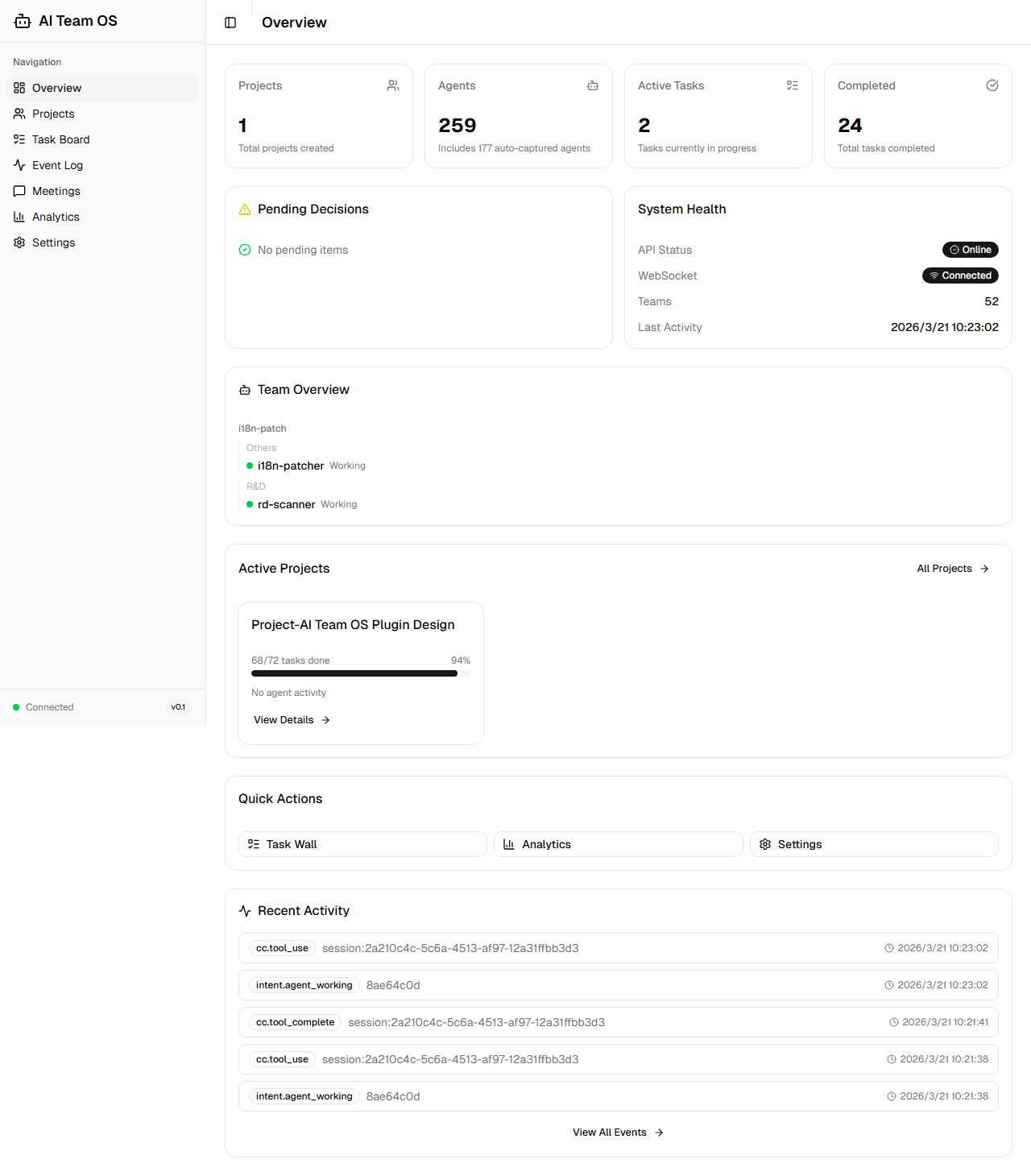
Autonomous multi-agent team OS for Claude Code with 108 MCP tools, 40+ agent templates, and real-time dashboard.
Overview
AI Team OS transforms Claude Code into a self-driving AI company where users act as Chairman while AI serves as CEO. The system operates autonomously, checking task walls, assigning agents, and executing workflows without continuous prompting. It features 25 professional agent templates, 8 structured meeting formats, and 7 pipeline workflows for consistent execution. The platform includes advanced features like failure alchemy for self-improvement, decision transparency through timeline tracking, and safety enforcement with a 4-layer defense system.
Try asking AI
After installing, here are 6 things you can ask your AI assistant:
When to choose this
Choose this when you're already using Claude Code and want to create autonomous AI teams that can operate continuously without manual prompting, with structured workflows and comprehensive agent collaboration.
When NOT to choose this
Don't choose this if you need a solution that works with other AI platforms beyond Claude Code, or if you prefer simpler tools without the complexity of a full multi-agent operating system.
Tools this server exposes
12 tools extracted from the READMEtask_createCreate a new task on the task wall with priority and type
pipeline_advanceMove a task to the next stage in its workflow pipeline
debate_startInitiate a structured debate between agents for decision-making
git_create_prAutomatically create a pull request from staged changes
find_skillFind the right agent template based on skills needed
error_budget_statusCheck the current error budget status of the system
verify_completionVerify task completion status and required documentation
ecosystem_recipesGet preset ecosystem integration recipes for common tools
file_lock_acquireAcquire a lock on a file to prevent concurrent edits
mark_as_referenceMark a researched repository as a reference for future use
agent_heartbeatCheck if an agent is still active and working
pattern_searchSearch for recorded failure patterns to avoid mistakes
Note: Tool names inferred from the feature descriptions in the README, as there is no explicit 'Tools' section. The README mentions '108 MCP tools' but doesn't list them directly.
Comparable tools
Installation
pip install ai-team-os

# Add to Claude Desktop config
{
  "mcpServers": {
    "ai-team-os": {
      "command": "python",
      "args": ["-m", "ai_team_os.server"],
      "env": {
        "PYTHONPATH": "/path/to/ai-team-os"
      }
    }
  }
}
FAQ
- How does AI Team OS integrate with Claude Code?
- It operates entirely within Claude Code through MCP protocol, requiring no external API calls or additional subscriptions. It enhances Claude Code with autonomous operation capabilities while using the same subscription.
- What makes it different from other AI agent frameworks?
- Unlike CrewAI, AutoGen or LangGraph, AI Team OS is specifically designed for Claude Code with deep MCP integration, offering autonomous operation without continuous prompting, structured meeting systems, and self-improvement capabilities through failure alchemy.
Compare AI-company with
Last updated · Auto-generated from public README + GitHub signals.