CoWork-OS
by CoWork-OS·★ 305·Score 50
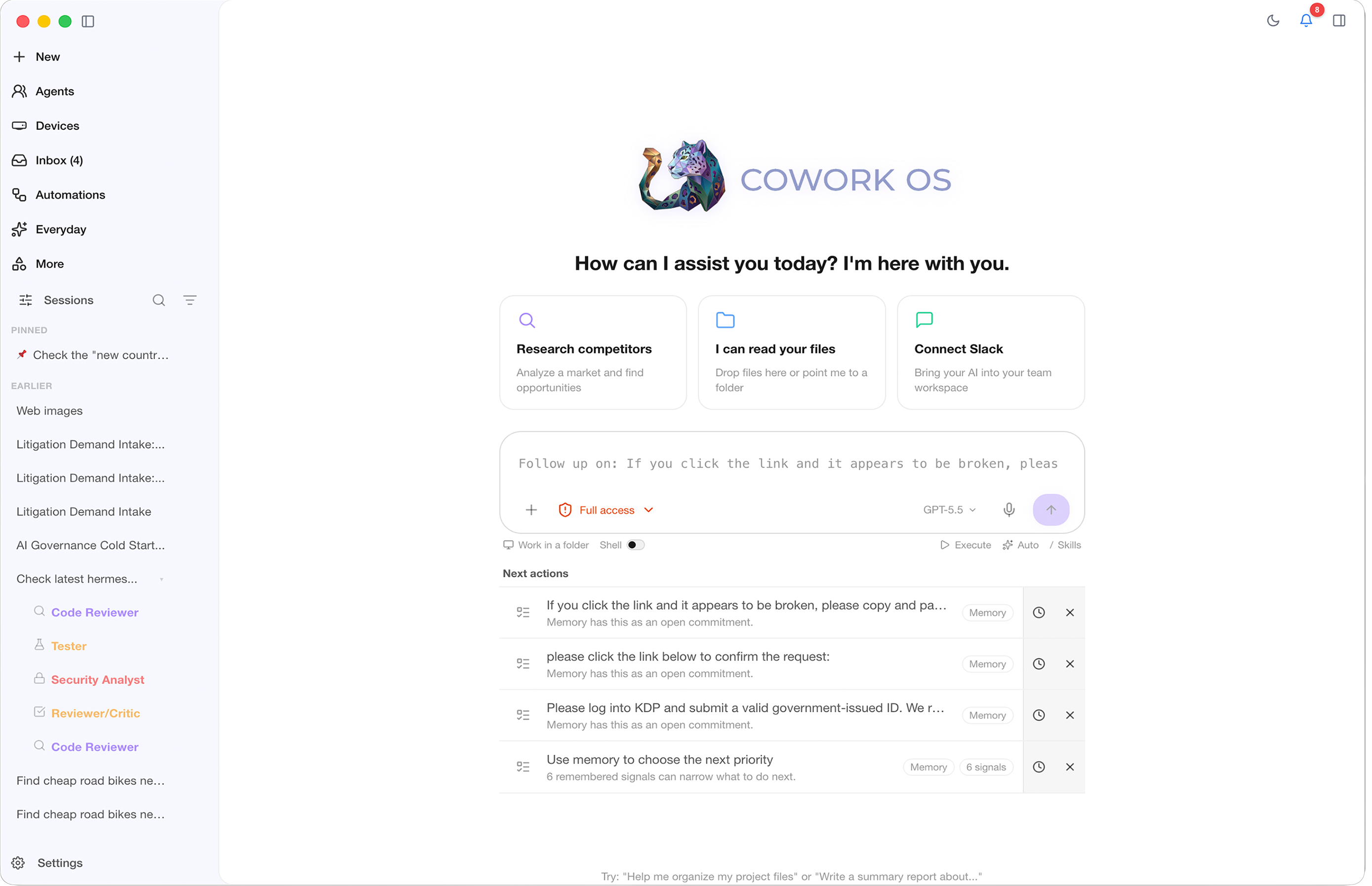
CoWork OS is a local-first personal agentic OS that integrates 44 MCP connectors for comprehensive productivity, coding, and knowledge work.
Overview
CoWork OS is a comprehensive local-first personal agentic OS that operates as an 'everything app' for various professional tasks. It integrates 44 MCP connectors that enable connections to enterprise systems, CRM, support tools, productivity apps, analytics platforms, and payment systems. The platform features an active context sidebar showing available MCP connectors with real-time refresh, and supports agent orchestration, remote task execution, and multi-agent collaboration through its governance model. The system provides 35 bundled packs, 147 built-in skills, and supports 34 LLM providers, making it a versatile environment for developers, designers, researchers, and knowledge workers.
Try asking AI
After installing, here are 5 things you can ask your AI assistant:
When to choose this
Choose CoWork OS if you're looking for an all-in-one productivity platform that integrates with multiple MCP services and provides a unified workspace for various tasks.
When NOT to choose this
Don't choose CoWork OS if you're specifically looking for an MCP server to extend Claude's capabilities, as it's a client application that consumes MCP services rather than providing them.
Tools this server exposes
12 tools extracted from the READMEbrowser_emulateEmulate different devices and viewports in the browser workbench
screenshotTake a screenshot of the desktop
clickSimulate mouse clicks on the desktop
type_textType text on the desktop
keypressSimulate keyboard key presses
llm-wikiCreate and manage research vaults
search_sessionsSearch through past sessions
memory_topics_loadLoad memory by topic
manim-videoCreate programmatic technical animations
kamiCreate editorial documents and slide decks
react-best-practicesApply React best practices to code
taste-skillProvide frontend design guidance
Note: Inferred tool names from feature descriptions throughout the README rather than a dedicated 'Tools' section. Some tools may have additional parameters not documented here.
Comparable tools
Installation
CoWork OS can be installed via npm for macOS and Windows:
npm install -g cowork-os
cowork-os
For MCP integration, add the following to your Claude Desktop configuration:
{
  "mcpServers": {
    "cowork-os": {
      "command": "node",
      "args": ["path/to/cowork-os/mcp-server.js"]
    }
  }
}
FAQ
- What MCP connectors are included in CoWork OS?
- CoWork OS includes 44 MCP connectors for enterprise integrations across CRM, support, productivity, analytics, and payment systems, with support for custom connectors.
- How does CoWork OS handle MCP tool routing?
- Tools are automatically refreshed in the active context sidebar every 30 seconds, with integration chips maintaining icon+name rendering in prompts while sending soft routing metadata to the runtime.
Compare CoWork-OS with
Last updated · Auto-generated from public README + GitHub signals.