context-lens
by cornelcroi·★ 22·Score 42
Semantic search knowledge base for MCP-enabled AI assistants that indexes local files or GitHub repos using LanceDB vector storage.
Overview
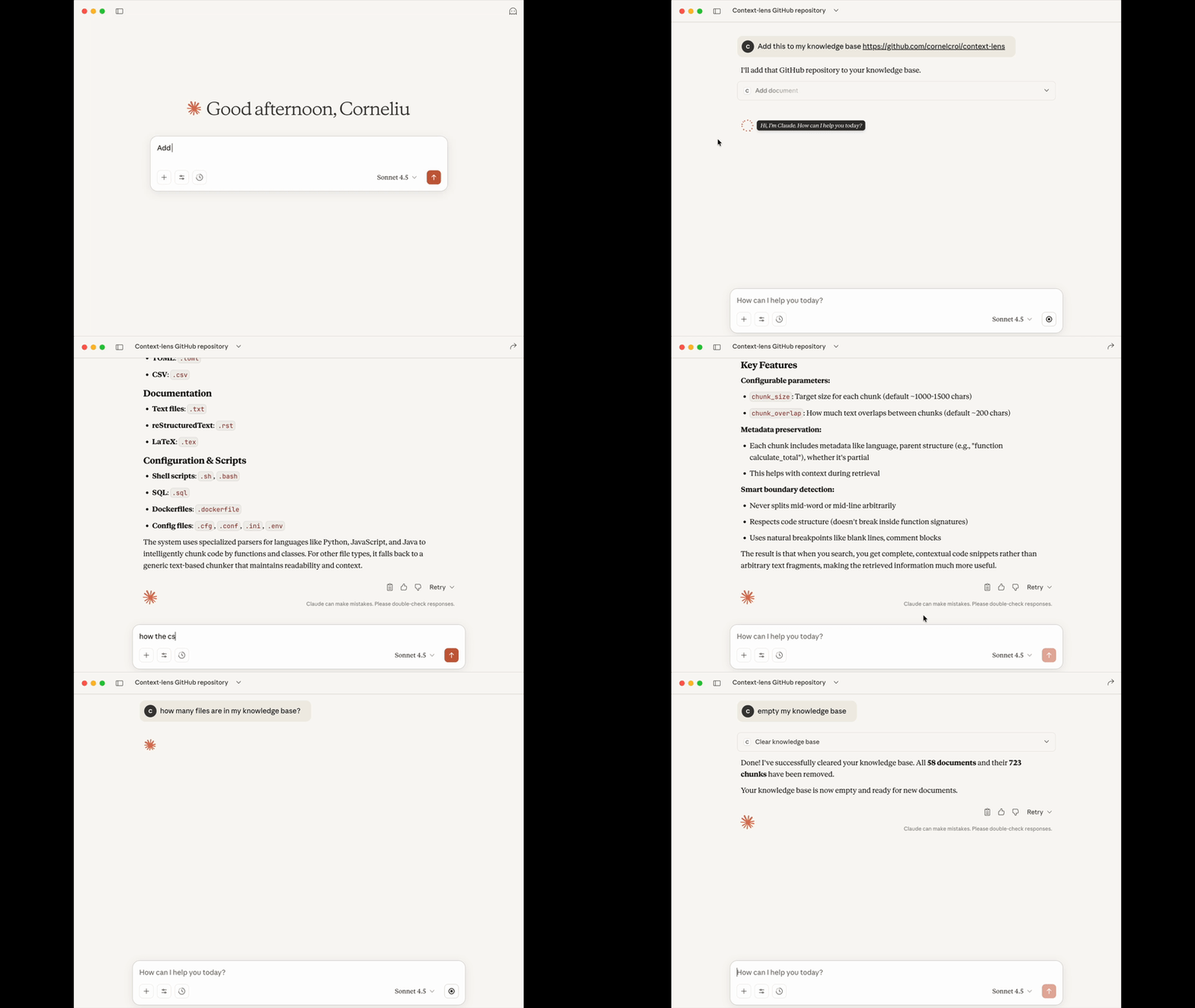
Context Lens transforms any content into a searchable knowledge base for AI assistants using semantic search. It's a self-contained MCP server with built-in vector storage that understands meaning rather than just matching keywords. The tool uses LanceDB as a serverless vector database, making it completely local and private with no external API calls required. It supports multiple file formats with smart parsing that preserves code structure and creates meaningful chunks for better search results.
Try asking AI
After installing, here are 5 things you can ask your AI assistant:
When to choose this
Choose Context Lens when you need semantic search capabilities for local files or GitHub repositories without setting up external services or cloud infrastructure.
When NOT to choose this
Avoid Context Lens if you need to search very large repositories (limited to 10MB per file), require collaborative features, or need to index non-textual file types.
Tools this server exposes
6 tools extracted from the READMEadd_documentAdd files, folders, or GitHub URLs to the knowledge base
search_documentsSemantic search across all indexed content
list_documentsBrowse all indexed documents
get_document_infoGet metadata about a specific document
remove_documentRemove specific documents from the knowledge base
clear_knowledge_baseRemove all documents from the knowledge base
Comparable tools
Installation
Installation
Context Lens is available via PyPI and can be installed with:
pip install context-lensClaude Desktop Setup
Add to Claude Desktop configuration:
{
  "mcpServers": {
    "context-lens": {
      "command": "uvx",
      "args": ["context-lens"]
    }
  }
}
Cursor Setup
Add to .cursor/mcp.json:
{
  "mcpServers": {
    "context-lens": {
      "command": "uvx",
      "args": ["context-lens"]
    }
  }
}
Other MCP Clients
For any MCP-compatible client:
{
  "mcpServers": {
    "context-lens": {
      "command": "uvx",
      "args": ["context-lens"]
    }
  }
}
FAQ
- What file types does Context Lens support?
- Context Lens supports 25+ file types including Python, JavaScript/TypeScript, JSON, YAML, Markdown, Rust, and many more text-based formats. Maximum file size is 10MB.
- How does Context Lens handle different programming languages?
- Context Lens uses smart parsing tailored to each language. For Python, it parses using AST; for JSON/YAML it parses structurally; for Markdown it splits by headers. This preserves natural structure and creates meaningful chunks.
Compare context-lens with
Last updated · Auto-generated from public README + GitHub signals.