unity-mcp
by CoplayDev·★ 9,661·Score 61
Unity MCP connects AI assistants to Unity Editor via Model Context Protocol, enabling direct management of assets, scenes, scripts and automated workflows.
Overview
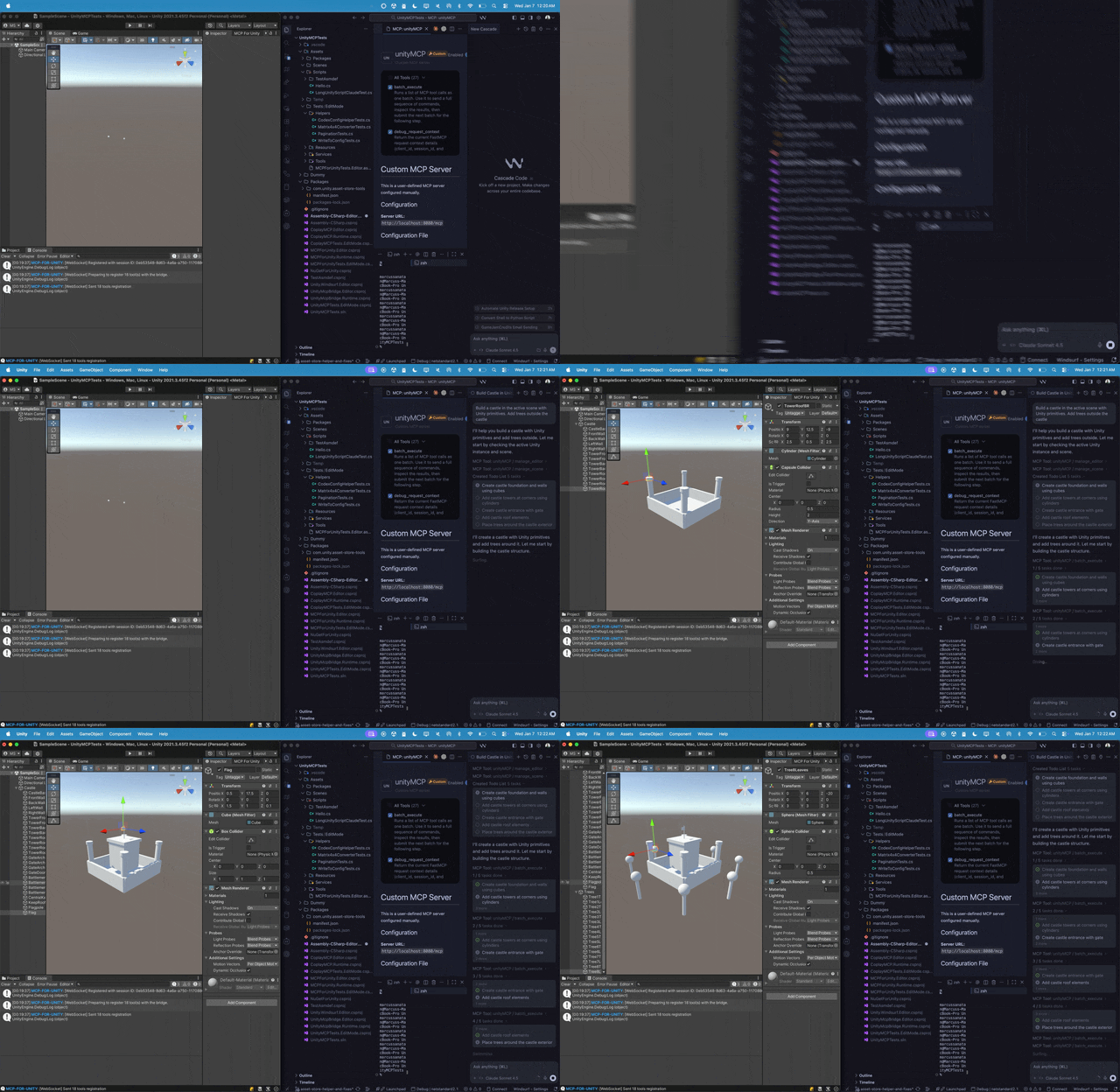
Unity MCP is a comprehensive bridge that allows AI assistants like Claude, Cursor, and other MCP clients to interact directly with the Unity Editor through a local MCP server. It provides extensive tools for managing assets, controlling scenes, editing scripts, and automating tasks within Unity. The project is actively maintained with regular updates adding new capabilities and tools.
Try asking AI
After installing, here are 3 things you can ask your AI assistant:
When to choose this
Choose Unity MCP when developing Unity games/applications and want to leverage AI assistants for automation, asset management, and scene editing directly through the MCP protocol.
When NOT to choose this
Not ideal if you're not using Unity Editor, need access to other game engines, or require authentication for secure multi-user environments as the server currently lacks authentication.
Tools this server exposes
12 tools extracted from the READMEmanage_animationManage Unity animations and animation controllers
manage_assetManage Unity assets in the project
manage_buildManage Unity builds and player settings
manage_cameraManage Unity cameras and Cinemachine settings
manage_componentsManage Unity components on game objects
manage_editorControl Unity editor functionality
manage_gameobjectManage Unity game objects
manage_physicsManage Unity physics settings and interactions
manage_sceneManage Unity scenes
manage_scriptCreate and manage Unity scripts
unity_docsFetch official Unity documentation
batch_executeExecute multiple operations in a batch for better performance
Comparable tools
Installation
Installation
Prerequisites
- Unity 2021.3 LTS+
- Python 3.10+ and uv
- An MCP Client (Claude Desktop, Cursor, VS Code Copilot, etc.)
1. Install the Unity Package
In Unity: Window > Package Manager > + > Add package from git URL...
https://github.com/CoplayDev/unity-mcp.git?path=/MCPForUnity#main2. Start the Server & Connect
- In Unity: Window > MCP for Unity
- Click Start Server (launches HTTP server on localhost:8080)
- Select your MCP Client and click Configure
- Look for 🟢 "Connected ✓"
Claude Desktop Configuration
{
  "mcpServers": {
    "unityMCP": {
      "url": "http://localhost:8080/mcp"
    }
  }
}
On Hacker News
Recent discussion from the developer community.
- Story by josvdwest · 2025-10-08
Compare unity-mcp with
Last updated · Auto-generated from public README + GitHub signals.