home-assistant-vibecode-agent
by Coolver·★ 550·Score 53
An MCP server that enables AI IDEs to manage Home Assistant through natural language for automation creation, dashboard design, and configuration management.
Overview
The Home Assistant Vibecode Agent is a comprehensive MCP server that bridges AI assistants with Home Assistant through a safe REST API. It features a dual-module architecture with an agent running inside Home Assistant and an MCP server on the user's computer. This enables AI-powered creation and management of automations, scripts, dashboards, and themes with full Git-based versioning. The service supports both Supervisor (Add-on) and standalone Docker deployment modes.
Try asking AI
After installing, here are 5 things you can ask your AI assistant:
When to choose this
Choose this if you want to use AI assistants like Claude Code or Cursor to manage your Home Assistant automations and configurations without manual YAML editing.
When NOT to choose this
Don't choose this if you're new to Home Assistant (requires experience), need add-on management but use a container without Supervisor, or want a solution without automatic versioning.
Tools this server exposes
12 tools extracted from the READMEanalyze_automationsAnalyze Home Assistant automations and suggest optimizations
create_automationCreate new Home Assistant automations based on natural language description
create_dashboardDesign and customize Home Assistant UI dashboards
manage_integrationsInstall and manage Home Assistant integrations
analyze_logsMonitor and troubleshoot Home Assistant through log analysis
deploy_changesDeploy changes to Home Assistant with automatic versioning
query_entitiesQuery and analyze Home Assistant entities
create_themeCreate and tweak Home Assistant themes
troubleshoot_issueDebug and fix issues in Home Assistant
create_helperCreate Home Assistant helpers for programmatic management
backup_configurationCreate backups of Home Assistant configuration
rollback_changesRollback Home Assistant configuration to a previous state
Comparable tools
Installation
Installation
Option A: Home Assistant Add-on (Recommended)
- Open Home Assistant UI → Settings → Add-ons → Add-on Store → ⋮ → Repositories
- Add repository:
https://github.com/coolver/home-assistant-vibecode-agent - Find HA Vibecode Agent → INSTALL → Start on boot: ON → START
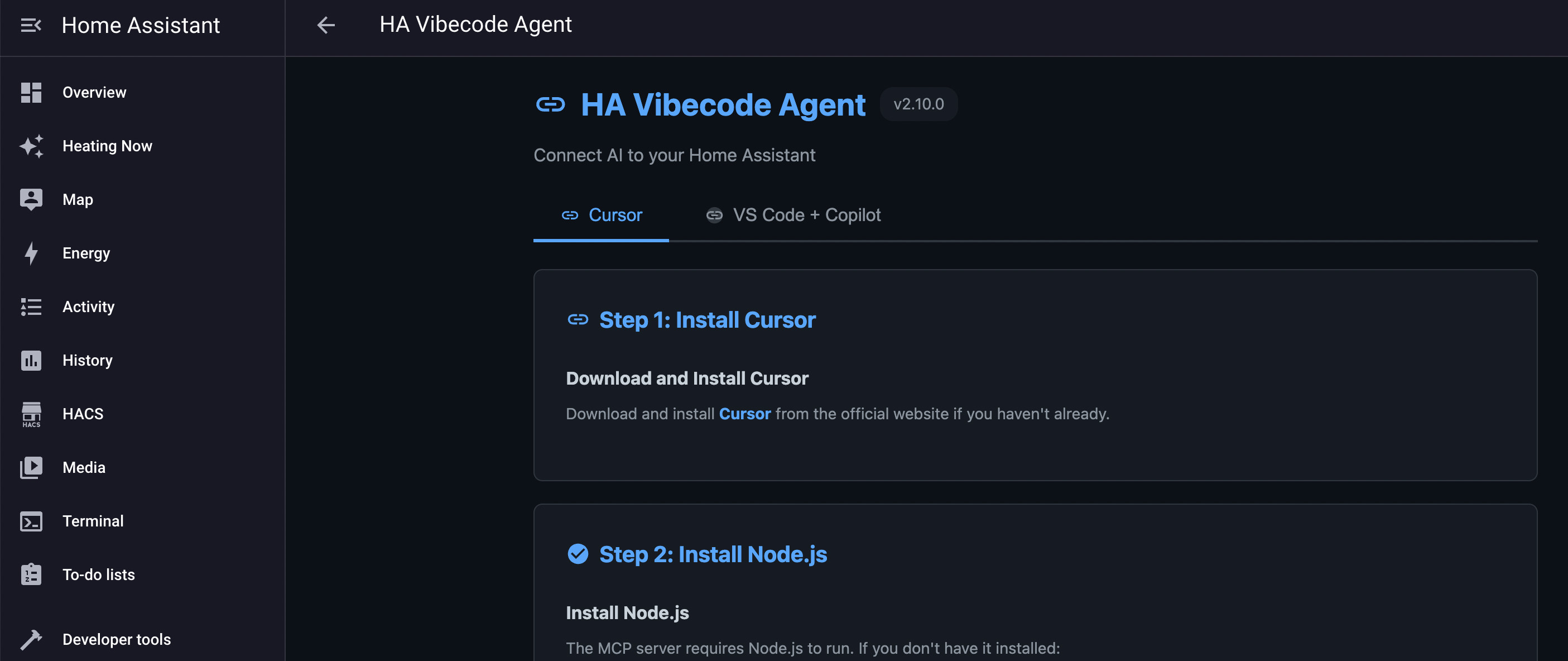
- Click "Open Web UI" and follow setup instructions for your IDE
Option B: Standalone Docker
- Clone repository:
git clone https://github.com/Coolver/home-assistant-vibecode-agent.git - Copy and configure
.env:cp .env.example .env - Start agent:
docker compose -f docker-compose.standalone.yml up -d - Get API key from logs or config file
- Configure MCP client with the API key
Claude Desktop Configuration
Add to claude_desktop_config.json:
{
  "mcpServers": {
    "home-assistant": {
      "command": "npx",
      "args": ["@coolver/home-assistant-mcp"]
    }
  }
}
FAQ
- Is this tool safe for my Home Assistant installation?
- Yes, it includes Git-based versioning for all changes and requires explicit review before deployment. However, it's designed for experienced users who understand Home Assistant.
- Which AI IDEs are supported?
- Claude Code, Cursor, VS Code, Antigravity, and any MCP-enabled IDE can be used with this server.
Compare home-assistant-vibecode-agent with
Last updated · Auto-generated from public README + GitHub signals.