mcp-unity
by CoderGamester·★ 1,699·Score 56
MCP server for Unity Editor enabling AI assistants to manipulate scenes, GameObjects, and other Unity assets.
Overview
MCP Unity is a comprehensive Model Context Protocol implementation that bridges Unity Editor with AI coding assistants. It provides extensive tools for manipulating Unity scenes, GameObject properties, components, materials, and packages. The server supports both tool-based operations and resources-based queries, enabling bidirectional communication between AI agents and Unity projects. Its IDE integration features improve code intelligence for Unity packages by adding Library/PackedCache to workspace contexts.
Try asking AI
After installing, here are 5 things you can ask your AI assistant:
When to choose this
Choose MCP Unity if you're a Unity developer who wants to use AI assistants like Cursor or Claude Code to directly manipulate Unity projects and scenes through natural language.
When NOT to choose this
Don't choose MCP Unity if you're using an older Unity version (pre-6), need extensive write operations beyond Unity manipulation, or require a more general-purpose game development assistant.
Tools this server exposes
12 tools extracted from the READMEexecute_menu_itemExecutes Unity menu items (functions tagged with the MenuItem attribute)
select_gameobjectSelects game objects in the Unity hierarchy by path or instance ID
update_gameobjectUpdates a GameObject's core properties or creates the GameObject if it does not exist
update_componentUpdates component fields on a GameObject or adds it to the GameObject if it does not contain the component
add_packageInstalls new packages in the Unity Package Manager
run_testsRuns tests using the Unity Test Runner
get_gameobjectGets detailed information about a specific GameObject including all components
get_console_logsRetrieves logs from the Unity console with pagination support
save_sceneSaves the current active scene, with optional Save As to a new path
duplicate_gameobjectDuplicates a GameObject in the scene with optional renaming and reparenting
move_gameobjectMoves a GameObject to a new position (local or world space)
batch_executeExecutes multiple tool operations in a single batch request
Comparable tools
Installation
Installation
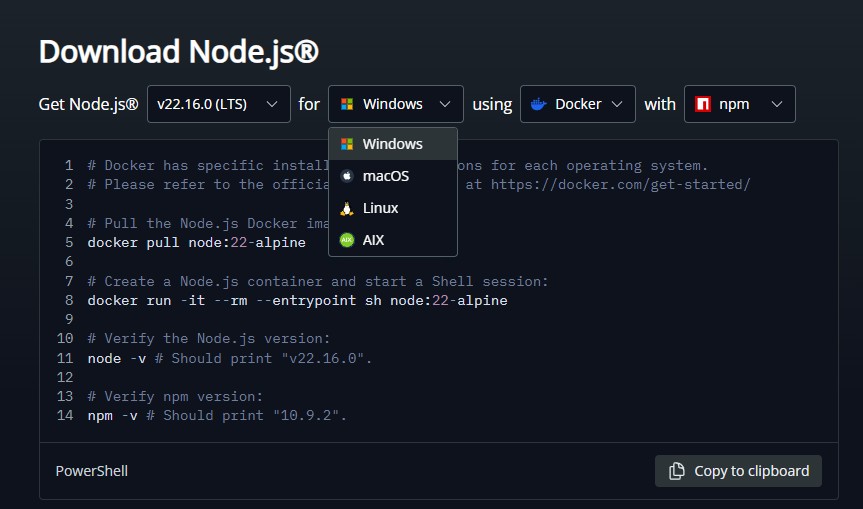
- Install Node.js 18 or later from [nodejs.org](https://nodejs.org/en/download/)
- Install the Unity MCP server via npm:
``bash npm install -g @codergamester/mcp-unity ``
- Configure your IDE (Cursor, Windsurf, etc.) to use the MCP server
Claude Desktop Configuration
Add to Claude's config.json:
{
  "mcpServers": {
    "unity": {
      "command": "npx",
      "args": ["@codergamester/mcp-unity"],
      "env": {
        "UNITY_PROJECT_PATH": "/path/to/your/unity/project"
      }
    }
  }
}
FAQ
- Which Unity versions are supported?
- MCP Unity supports Unity 6 or later versions.
- What IDEs are compatible with MCP Unity?
- It's designed for Cursor, Claude Code, Codex, Windsurf and other VSCode-like IDEs with MCP support.
Compare mcp-unity with
Last updated · Auto-generated from public README + GitHub signals.