Kiln
by codeofaxel·★ 18·Score 43
Kiln is an MCP server that lets AI agents control 3D printers to design, generate, slice, and print physical objects.
Overview
Kiln provides AI agents with end-to-end control of various 3D printers including OctoPrint, Moonraker/Klipper, Creality, Bambu Lab, Prusa Link, and others. It enables a natural-language-to-physical-object pipeline where agents can design parts, slice them, queue prints, monitor progress, and handle failures. The solution offers both free and paid tiers with additional features like Git-for-3D versioning, failure recovery, and smart material routing.
Try asking AI
After installing, here are 5 things you can ask your AI assistant:
When to choose this
Choose Kiln when you need AI agents to fully control 3D printing workflows, especially with multiple printer types or when you want version control for 3D designs.
When NOT to choose this
Don't choose Kiln if you only need basic printer control without AI integration, or if you're looking for free open-source solution as Kiln's advanced features require paid tiers.
Tools this server exposes
12 tools extracted from the READMEuploadUpload a G-code file to a printer
printPrint a G-code file on a printer
sliceSlice an STL file into G-code and optionally print it
snapshotTake a webcam snapshot from a printer
waitMonitor a running print job
statusCheck the status of a printer
historyView print history
discoverDiscover printers on the network
authAuthenticate a printer with Kiln
verifyVerify Kiln installation and dependencies
visualize_branch_treeVisualize a design's branch tree with version information
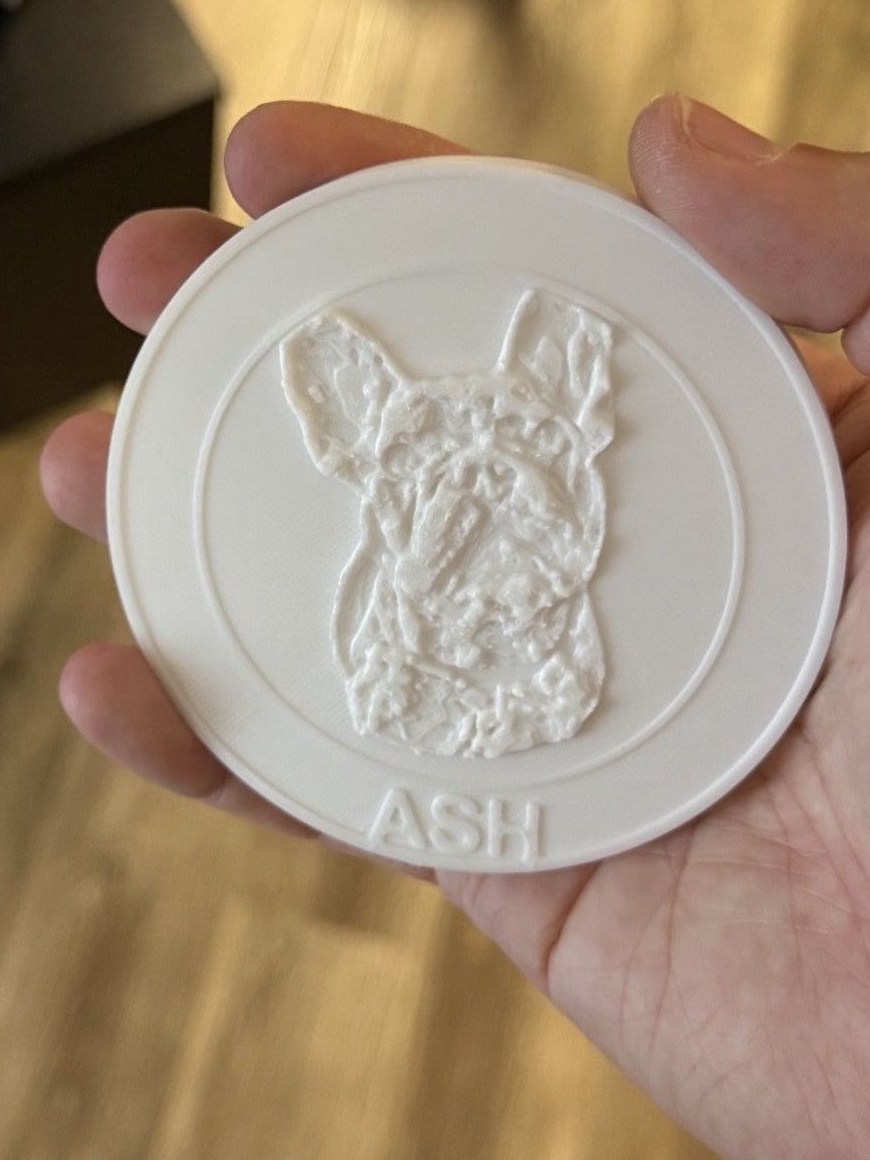
embossAdd decorations (text, logos, etc.) to a 3D model
Comparable tools
Installation
pip install kiln3dThen add to your MCP client configuration:
{
  "mcpServers": {
    "kiln": {
      "command": "python",
      "args": ["-m", "kiln"],
      "env": {
        "KILN_PRINTER_CONFIG": "path/to/your/config.json"
      }
    }
  }
}
FAQ
- What printers does Kiln support?
- Kiln supports OctoPrint, Moonraker/Klipper, Creality, Bambu Lab, Prusa Link, Elegoo printers, and Direct USB connections to Marlin/RepRapFirmware printers.
- Can Kiln work without internet access?
- Yes, Kiln only needs LAN access to printers. Ethernet-only printers are fully supported, and direct USB printers don't need any network connection.
Compare Kiln with
Last updated · Auto-generated from public README + GitHub signals.