aula-mcp
by Casperjuel·★ 22·Score 43
MCP server for Denmark's Aula school platform with MitID authentication, enabling AI agents to access student profiles, calendar, messages and schedules.
Overview
aula-mcp is a TypeScript-based MCP server that bridges AI agents with Denmark's educational platform Aula. It provides secure access to school data without requiring headless browsers, using MitID authentication with locally stored credentials. The server exposes tools for accessing student profiles, weekly schedules, messages, and calendar information to AI clients like Claude, Cursor, and others via the Model Context Protocol.
Try asking AI
After installing, here are 3 things you can ask your AI assistant:
When to choose this
Choose this if you're a parent or teacher in the Danish education system who needs AI access to Aula's school platform without using headless browsers.
When NOT to choose this
Don't choose this if you're outside Denmark, need write access to school data, or require a more widely supported educational platform integration.
Tools this server exposes
12 tools extracted from the READMEaula.discoverDiscovers user identity, children, available tools, and detected widgets
aula.profiles.listLists user profiles and associated children
aula.presence.todayGets today's presence/attendance information
aula.calendar.eventsRetrieves calendar events
aula.messages.list_threadsLists message threads/conversations
aula.messages.get_threadRetrieves a specific message thread
aula.notifications.listLists notifications
aula.posts.listLists posts/announcements
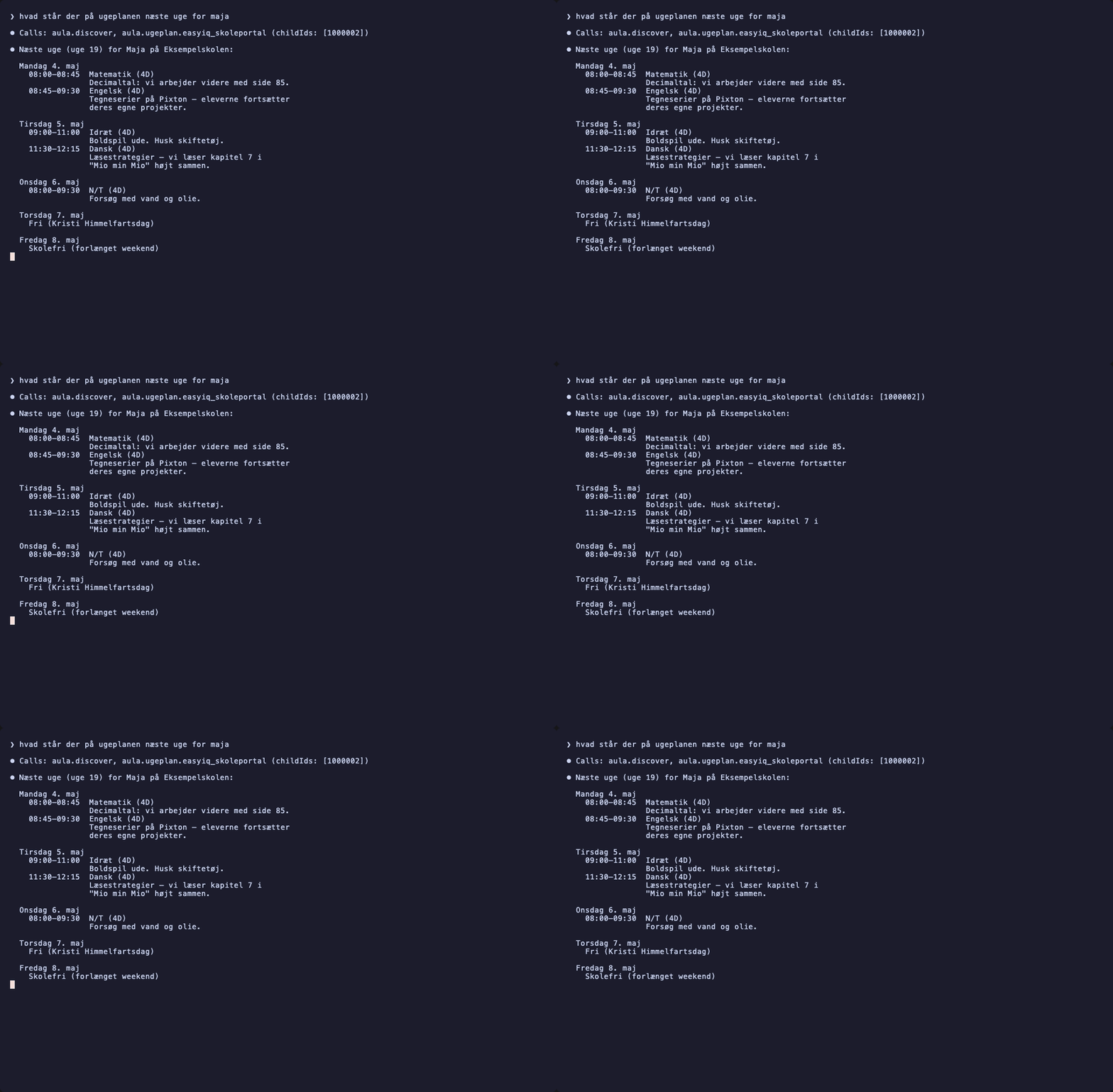
aula.ugeplan.easyiqGets weekly schedule (Ugeplan) for EasyIQ vendor
aula.opgaver.minuddannelseGets assignments (Opgaver) for MinUddannelse vendor
aula.ugebrev.minuddannelseGets weekly newsletters (Ugebrev) for MinUddannelse vendor
aula.huskelisten.systematicGets shopping lists (Huskeliste) for Systematic vendor
Comparable tools
Installation
Installation
- Requires Bun ≥ 1.3 and pnpm ≥ 10
git clone git@github.com/Casperjuel/aula-mcp.git
cd aula-mcp
pnpm install

# First-time MitID login (QR code in MitID app)
pnpm login

# Health check of all Aula endpoints
pnpm doctor

# Start MCP server (http://127.0.0.1:7878/mcp)
pnpm mcp
Claude Desktop Configuration
Add to ~/Library/Application Support/Claude/claude_desktop_config.json:
{
  "mcpServers": {
    "aula": {
      "command": "node",
      "args": ["/path/to/aula-mcp/packages/mcp-server/dist/server.js"]
    }
  }
}
Compare aula-mcp with
Last updated · Auto-generated from public README + GitHub signals.