antigravity-link-extension
by cafeTechne·★ 163·Score 48
Mobile companion for Google's Antigravity IDE with 9 MCP tools and OpenAPI for automation.
Overview
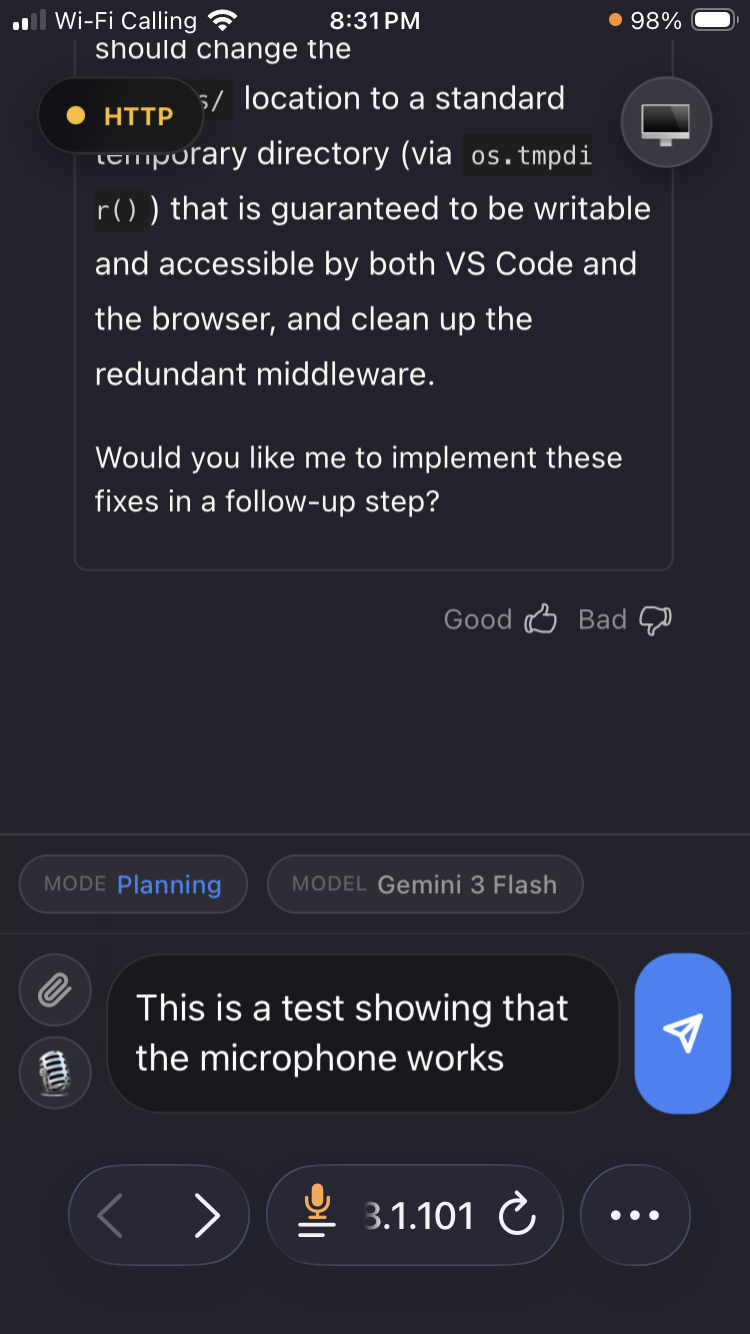
Antigravity Link is a VS Code extension that creates a mobile interface for Google's Antigravity IDE, allowing users to control AI sessions from their phones. It exposes a local HTTP API and MCP server with 9 tools for programmatic control of Antigravity sessions. The solution enables remote interaction with AI chats, file uploads, voice input, and generation stopping while maintaining security through local-only operation and token authentication.
Try asking AI
After installing, here are 3 things you can ask your AI assistant:
When to choose this
Choose this if you're already using Google's Antigravity IDE and need mobile access or programmatic control of your AI sessions without leaving your local network.
When NOT to choose this
Don't choose this if you're not using Antigravity IDE, as it's specifically designed for this platform only.
Tools this server exposes
10 tools extracted from the READMEget_snapshotGet current chat state, mode, model, and generation status.
send_messageSend a message to the active chat.
stop_generationCancel active AI generation.
get_instancesList available Antigravity windows.
switch_instanceSwitch to a different Antigravity window.
click_elementClick a UI element.
upload_fileUpload a file to the active chat.
get_taskRead the current task document.
get_walkthroughRead the current walkthrough document.
get_planRead the current implementation plan.
Comparable tools
Installation
Installation
- Install from the Antigravity extensions marketplace: search **Antigravity Link** or [install directly from Open VSX](https://open-vsx.org/extension/cafetechne/antigravity-link-extension)
- Start Antigravity with remote debugging enabled:
antigravity --remote-debugging-port=9000- In VS Code, run
Antigravity Link: Start Server
- Run
Antigravity Link: Show QR Codeand scan with your phone
Claude Desktop Configuration
{
  "antigravity-link": {
    "command": "node",
    "args": ["<extension-dir>/mcp-server.mjs"],
    "env": {
      "AG_BRIDGE_URL": "https://localhost:3000",
      "AG_BRIDGE_TOKEN": "<token>"
    }
  }
}
Compare antigravity-link-extension with
Last updated · Auto-generated from public README + GitHub signals.