prometheus_mcp_server
by CaesarYangs·★ 34·Score 35
An MCP server for LLMs to query, analyze and interact with Prometheus databases.
Overview
This Python-based MCP server enables Large Language Models to retrieve and analyze metric data from Prometheus databases. It provides tools for fetching specific metrics, performing statistical analysis, searching metric usage patterns, and executing complex PromQL queries. The server supports custom time ranges for data analysis and is designed to be integrated with AI environments like Claude Desktop.
Try asking AI
After installing, here are 5 things you can ask your AI assistant:
When to choose this
Choose this server when you need to integrate Prometheus monitoring data with LLM workflows, especially when you want to analyze system metrics through natural language queries without writing PromQL.
When NOT to choose this
Don't choose this if you need to write to Prometheus (this server is read-only only), or if your Prometheus instance requires complex authentication beyond basic host configuration.
Tools this server exposes
4 tools extracted from the READMEretrieve_metric_infoRetrieve comprehensive metric information including names and descriptions from Prometheus
fetch_metric_dataFetch and analyze specific metric data using metric names
analyze_metric_dataAnalyze metric data within custom time ranges
execute_promql_queryExecute advanced PromQL queries for in-depth data exploration
Note: Tool names were inferred from the capabilities section of the README as there is no explicit 'Tools' section listing the MCP functions. The actual tool names and signatures are not explicitly documented in the README.
Comparable tools
Installation
Installing via Smithery
npx -y @smithery/cli install @CaesarYangs/prometheus_mcp_server --client claudeManual Installation
**Prepare python environment**
cd ./src/prometheus_mcp_server
python3 -m venv .venv
source .venv/bin/activate
**Install requirements**
pip install -r requirements.txtWith Claude Desktop
Add to your Claude Desktop config:
{
    "mcpServers": {
        "prometheus": {
            "command": "uv",
            "args": [
                "--directory",
                "/path/to/prometheus_mcp_server",
                "run",
                "server.py"
            ],
            "env": {
                "PROMETHEUS_HOST": "http://localhost:9090"
            }
        }
    }
}
FAQ
- What Prometheus operations are supported?
- The server supports retrieving metric information, fetching and analyzing specific metrics, analyzing data within custom time ranges, and executing PromQL queries. Label filtering is marked as in development.
- Can I use this with other MCP clients besides Claude Desktop?
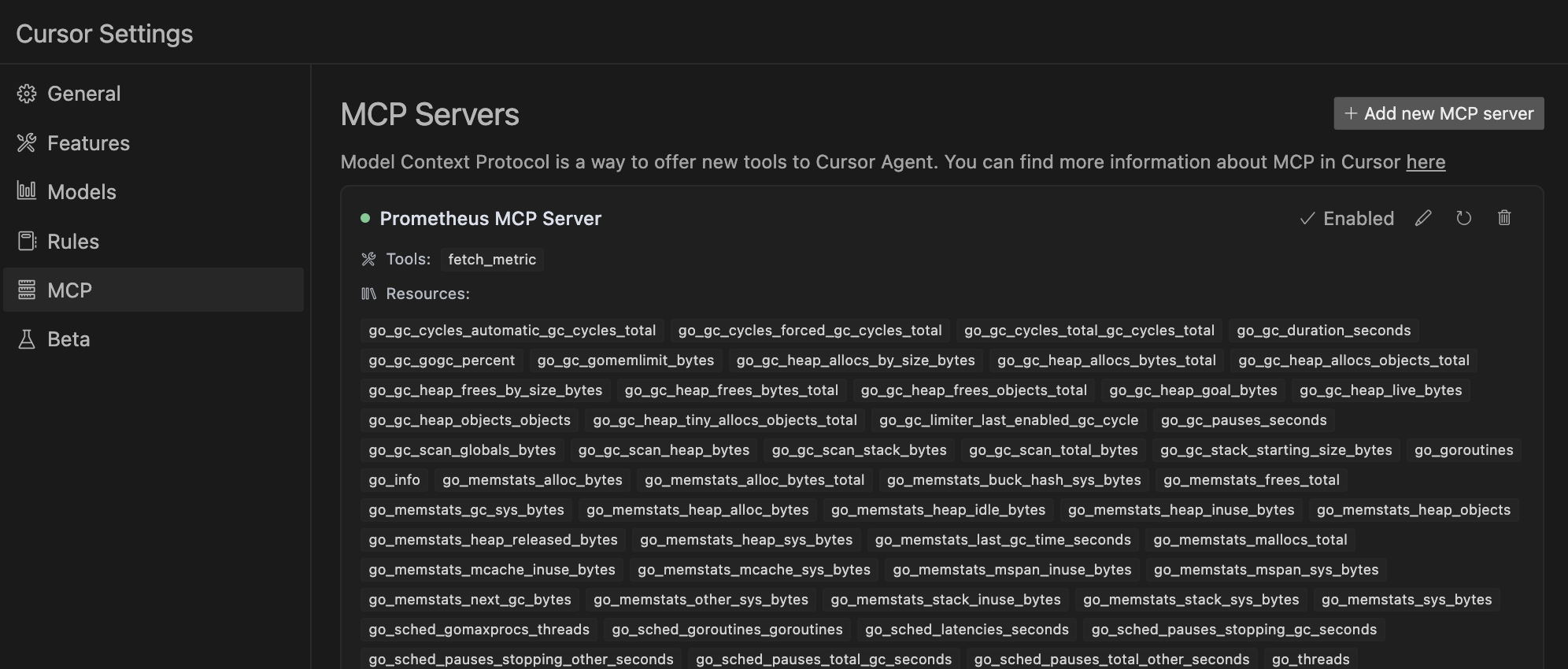
- Yes, the server can be used standalone with any MCP client. The README provides instructions for using it with Cursor environment and as a standalone server.
Compare prometheus_mcp_server with
Last updated · Auto-generated from public README + GitHub signals.