mcp-google-map
by cablate·★ 302·Score 52
A comprehensive MCP server with 18 Google Maps API tools for geolocation, routing, search, and location-based intelligence.
Overview
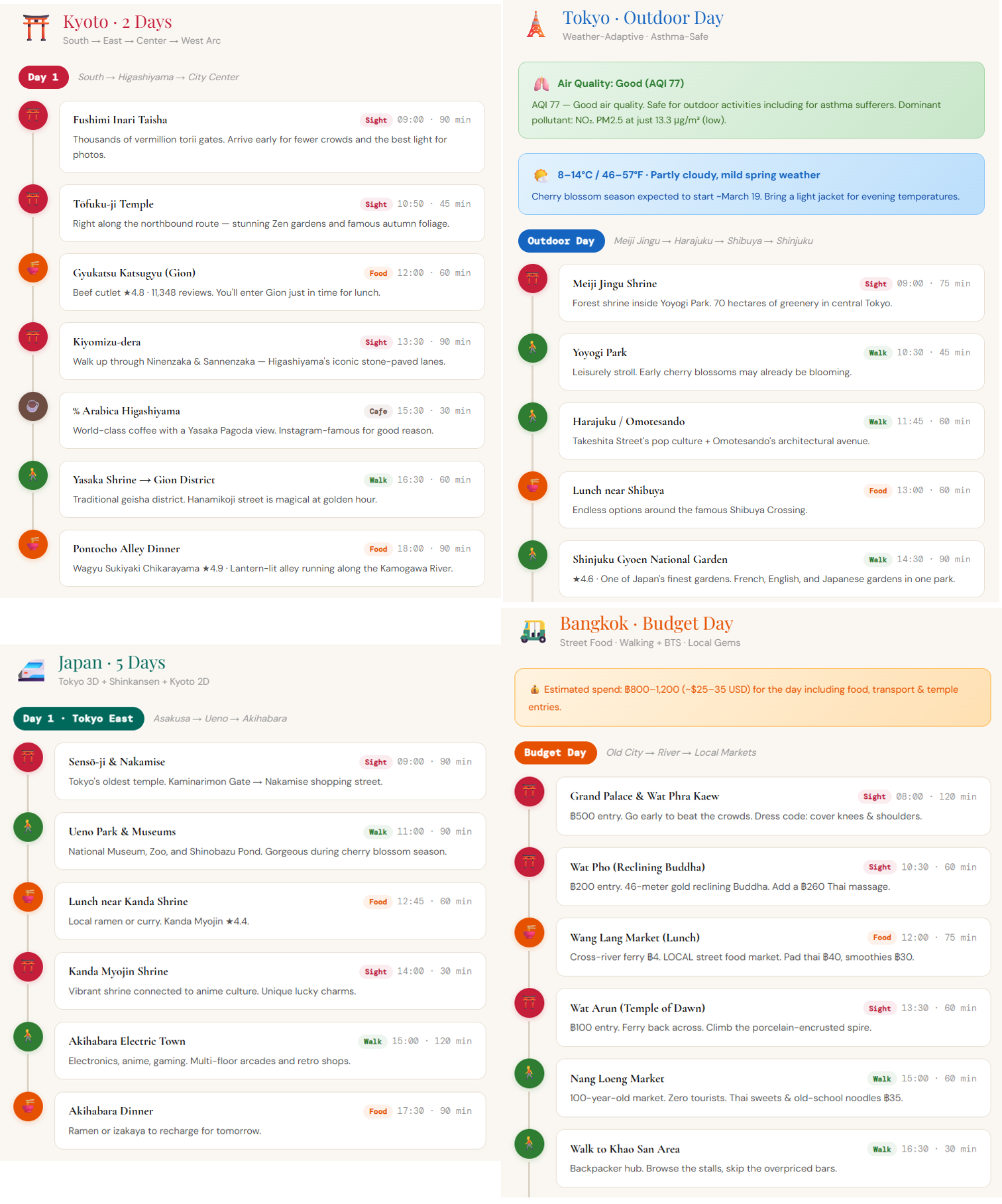
The mcp-google-map server provides extensive Google Maps integration through 18 well-documented tools, including basic geocoding, place search, directions, and advanced features like elevation data, timezone information, weather, and air quality. It supports multiple deployment modes: stdio for desktop clients, HTTP server for multi-session setups, and a standalone CLI for direct tool execution. The server includes composite tools for complex tasks like area exploration, route planning, and local SEO tracking, along with built-in agent skills to help AI assistants effectively chain these tools together.
Try asking AI
After installing, here are 5 things you can ask your AI assistant:
When to choose this
Choose this MCP server when you need comprehensive Google Maps functionality for AI agents, especially for travel planning, local search, or geographic analysis with 18 specialized tools.
When NOT to choose this
Don't choose if you need a lightweight solution with fewer tools, or if you prefer Google's official Grounding Lite MCP server which offers managed service but with limited functionality.
Comparable tools
Installation
Installation
**1. stdio mode (Recommended)** Add to Claude Desktop configuration:
{
  "mcpServers": {
    "google-maps": {
      "command": "npx",
      "args": ["-y", "@cablate/mcp-google-map", "--stdio"],
      "env": {
        "GOOGLE_MAPS_API_KEY": "YOUR_API_KEY"
      }
    }
  }
}
**2. HTTP server mode**
npx @cablate/mcp-google-map --port 3000 --apikey "YOUR_API_KEY"Configure client:
{
  "mcpServers": {
    "google-maps": {
      "type": "http",
      "url": "http://localhost:3000/mcp"
    }
  }
}
FAQ
- What API services do I need to enable in Google Cloud Console?
- You'll need to enable 'Places API (New)' and 'Routes API' in Google Cloud Console before using place-related and routing tools.
- Can I limit which tools are loaded?
- Yes, set GOOGLE_MAPS_ENABLED_TOOLS environment variable to a comma-separated list of tools you want (e.g., 'maps_geocode,maps_directions,maps_search_places'). Omit or set to '*' for all 18 tools.
Compare mcp-google-map with
Last updated · Auto-generated from public README + GitHub signals.