dbhub
by bytebase·★ 2,769·Score 57
A zero-dependency MCP server connecting to multiple databases with token-efficient SQL tools.
Overview
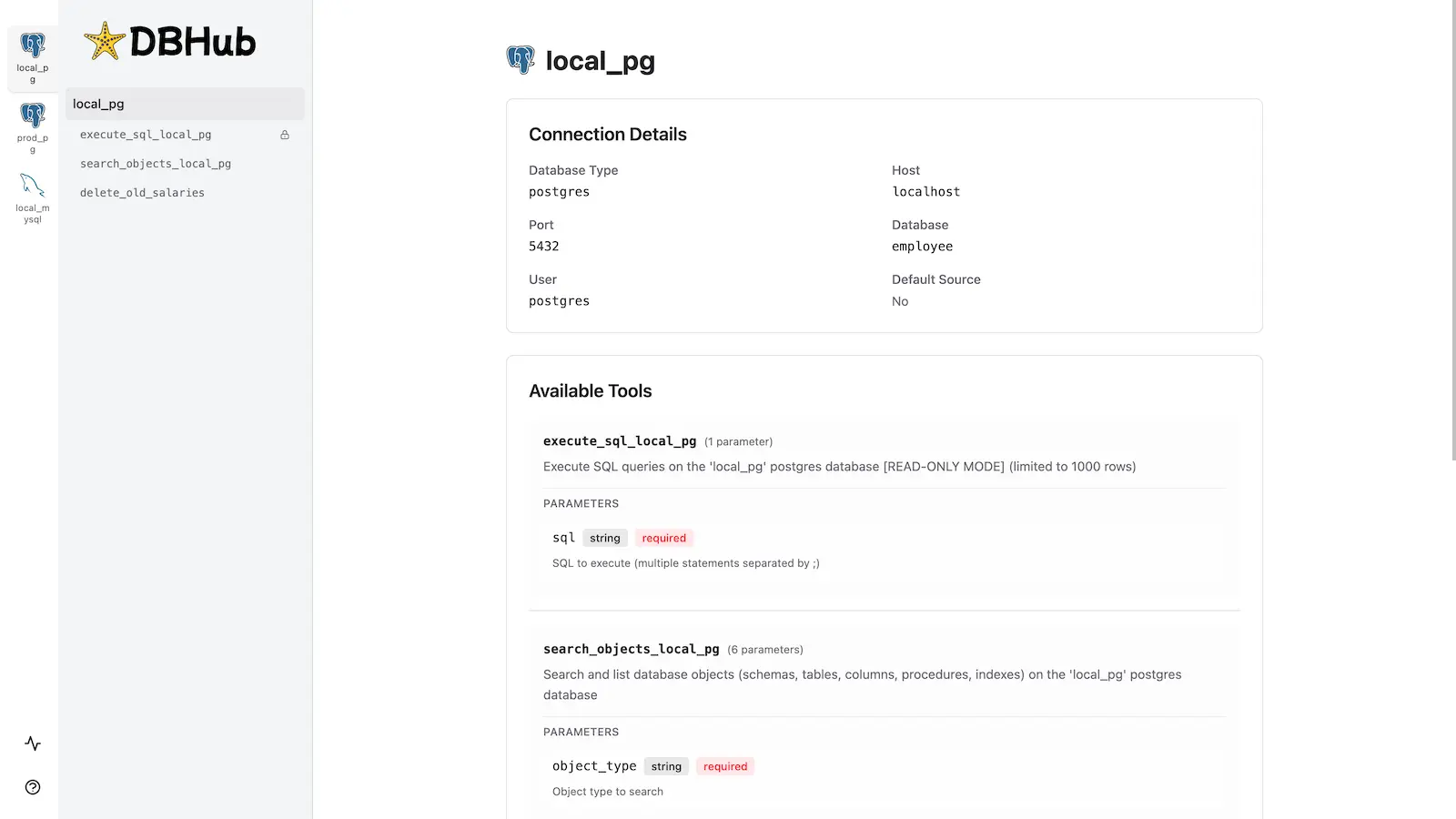
DBHub is a lightweight Model Context Protocol server that enables MCP-compatible clients to connect and interact with multiple database systems including PostgreSQL, MySQL, SQL Server, MariaDB, and SQLite. It features a token-efficient design with only two core MCP tools (execute_sql and search_objects) to maximize context windows, along with guardrails like read-only mode, row limiting, and query timeouts to prevent runaway operations. The server also includes a built-in web interface for visual database interaction without requiring an MCP client.
Try asking AI
After installing, here are 5 things you can ask your AI assistant:
When to choose this
Choose DBHub when you need token-efficient database access across multiple systems with built-in safety controls and prefer a zero-dependency installation.
When NOT to choose this
Don't choose DBHub if you need write access to databases or require complex transactional operations beyond its read-only capabilities.
Tools this server exposes
3 tools extracted from the READMEexecute_sqlExecute SQL queries with transaction support and safety controls
search_objectsSearch and explore database schemas, tables, columns, indexes, and procedures
custom_toolsDefine reusable, parameterized SQL operations in configuration
Comparable tools
Installation
Installation
**Docker:**
docker run --rm --init \ --name dbhub \ --publish 8080:8080 \ bytebase/dbhub \ --transport http \ --port 8080 \ --dsn "postgres://user:password@localhost:5432/dbname?sslmode=disable"**NPM:**
npx @bytebase/dbhub@latest --transport http --port 8080 --dsn "postgres://user:password@localhost:5432/dbname?sslmode=disable"**Demo Mode:**
npx @bytebase/dbhub@latest --transport http --port 8080 --demoClaude Desktop Configuration
Add the following to your Claude Desktop configuration:
{
  "mcpServers": {
    "dbhub": {
      "command": "npx",
      "args": ["@bytebase/dbhub@latest", "--transport", "stdio"]
    }
  }
}
FAQ
- Is DBHub truly zero-dependency?
- Yes, DBHub has no runtime dependencies, making it lightweight and easy to deploy.
- How does DBHub ensure safe SQL execution?
- DBHub includes read-only mode, row limiting, and query timeout controls to prevent runaway operations and ensure safe SQL execution.
Compare dbhub with
Last updated · Auto-generated from public README + GitHub signals.