mcp-ssh-manager
by bvisible·★ 203·Score 51
A comprehensive MCP server providing 37 tools for remote SSH management, DevOps automation, backups, database operations, and health monitoring.
Overview
MCP SSH Manager is a robust Model Context Protocol server that enables Claude Code and OpenAI Codex to manage multiple SSH connections with enterprise-grade functionality. It offers extensive capabilities including file transfers, command execution, database management, automated backups, and real-time health monitoring. The server features comprehensive security with support for various authentication methods, including SSH keys with passphrases, ssh-agent integration, and bastion/jump host support. With 37 tools organized into 6 groups (Core, Sessions, Monitoring, Backup, Database, Advanced), it provides a complete solution for remote server administration and DevOps automation tasks.
Try asking AI
After installing, here are 7 things you can ask your AI assistant:
When to choose this
Choose MCP SSH Manager when you need comprehensive server management capabilities through an AI interface, especially for DevOps automation, monitoring, and database operations.
When NOT to choose this
Avoid if you need Windows-specific SSH features not supported by OpenSSH, or if you require more specialized cloud provider integration beyond SSH.
Tools this server exposes
12 tools extracted from the READMEssh_executeExecute commands on remote servers with working directory support
ssh_uploadUpload files from local system to remote servers
ssh_downloadDownload files from remote servers to local system
ssh_syncSynchronize files between local and remote systems using rsync
ssh_tailMonitor remote log files with real-time updates
ssh_monitorMonitor server health metrics like CPU, RAM, and disk usage
ssh_backupCreate backups of databases and files on remote servers
ssh_restoreRestore databases and files from backups on remote servers
ssh_mysql_queryExecute queries on remote MySQL databases
ssh_postgres_queryExecute queries on remote PostgreSQL databases
ssh_mongo_queryExecute queries on remote MongoDB databases
ssh_deployDeploy files with permission handling and backup
Comparable tools
Installation
Installation
Install via npm:
npm install -g mcp-ssh-managerFor Claude Desktop, add to your config.json:
{
  "mcpServers": {
    "ssh-manager": {
      "command": "npx",
      "args": ["mcp-ssh-manager"]
    }
  }
}
For OpenAI Codex, use the TOML configuration:
[mcpServers.ssh-manager]
command = "npx"
args = ["mcp-ssh-manager"]
After installation, run:
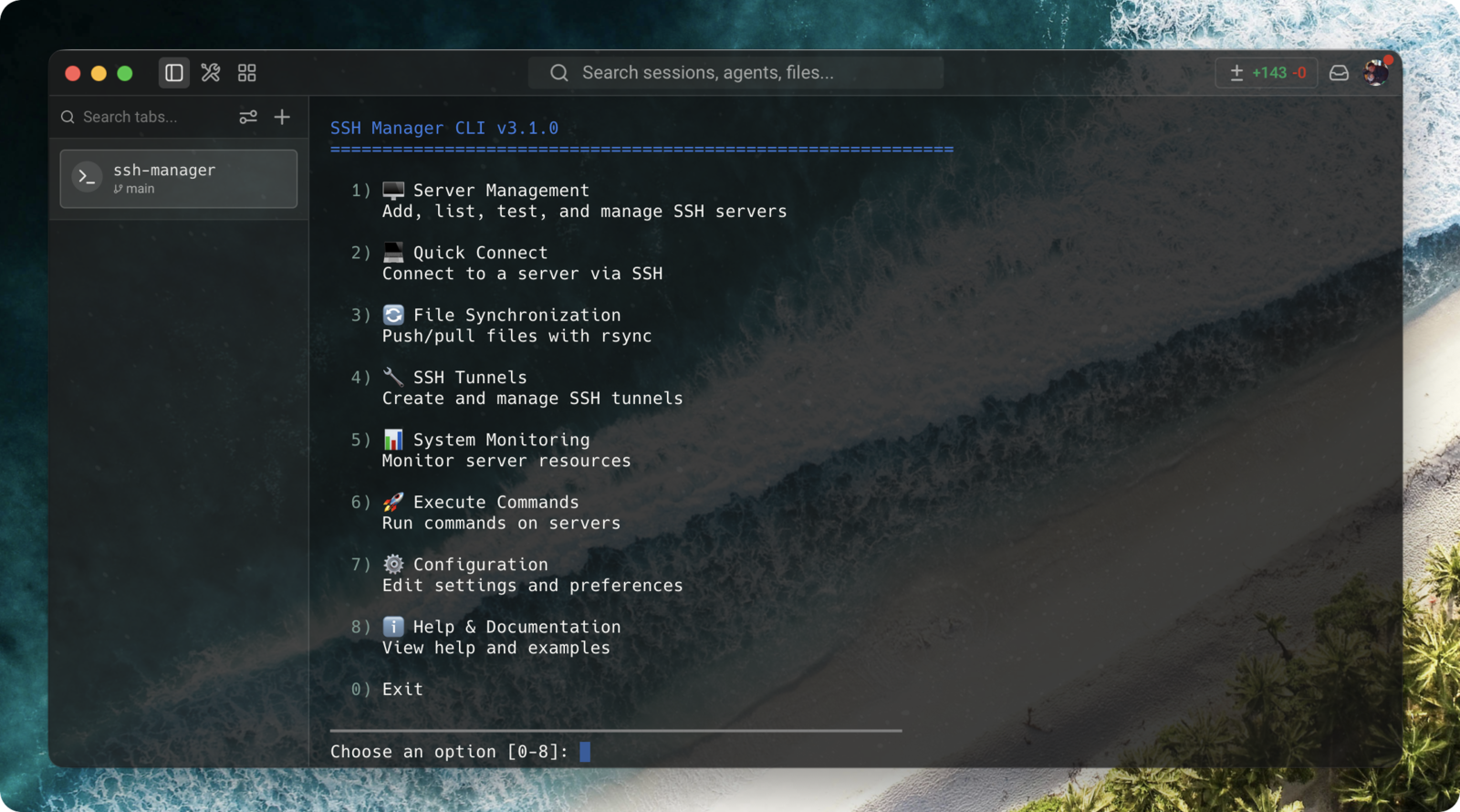
ssh-manager server addto configure your first server.
FAQ
- How do I enable only specific tools to reduce context usage?
- Use the tool management CLI: `ssh-manager tools configure` for interactive setup, or `ssh-manager tools enable/disable <group>` to activate specific tool groups (Core, Sessions, Monitoring, Backup, Database, Advanced).
- Is Windows SSH server support included?
- Yes, the server supports Windows SSH hosts with the `platform=windows` configuration option. This ensures proper command execution and timeout handling for Windows environments.
- How do I connect to servers behind a bastion host?
- Use the `PROXYJUMP` configuration field when adding a server. The tool supports chained multi-hop connections and circular dependency detection.
Compare mcp-ssh-manager with
Last updated · Auto-generated from public README + GitHub signals.