one-mcp
by burugo·★ 390·Score 50
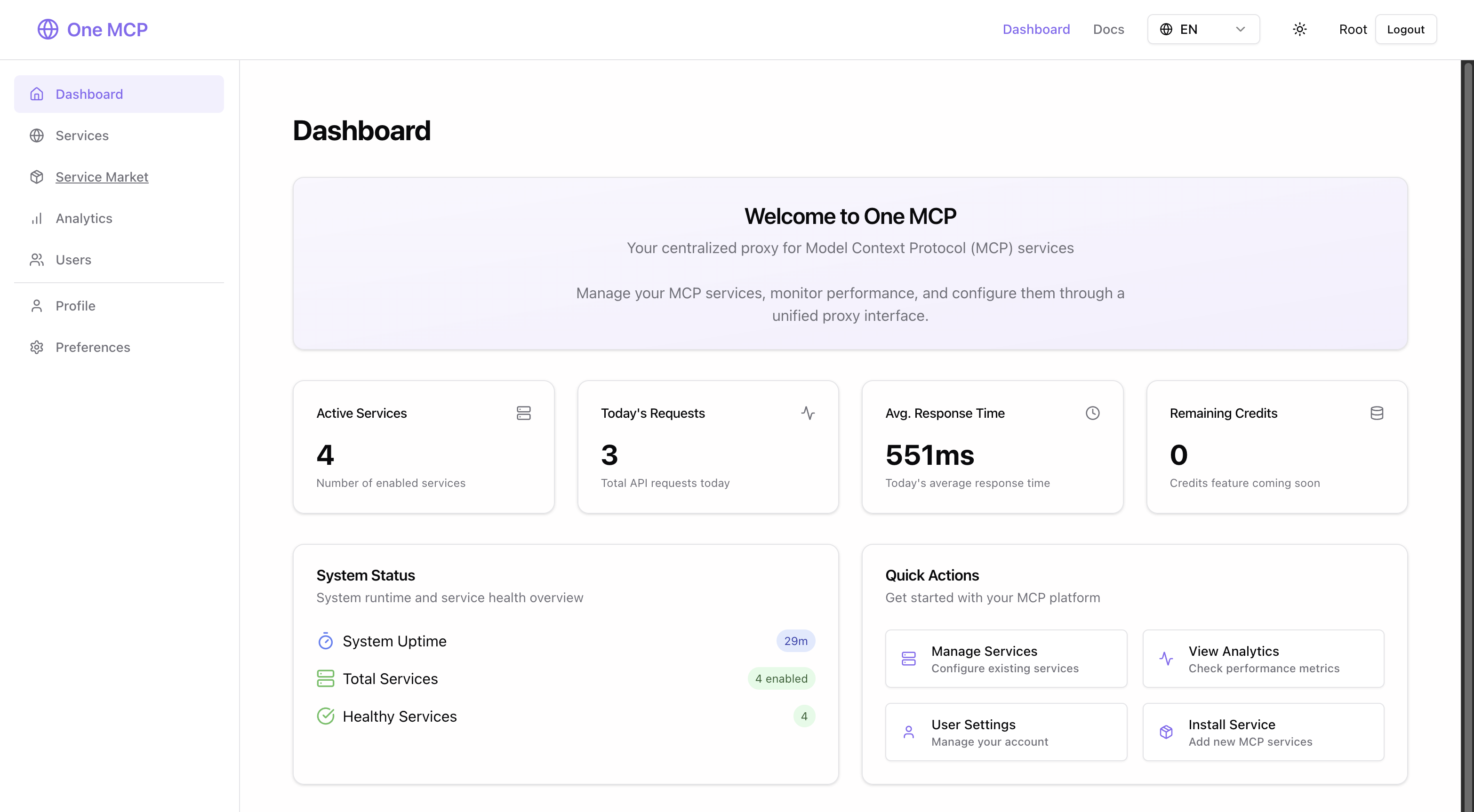
One MCP is a centralized proxy platform for managing multiple MCP services with a web interface, analytics, and service grouping capabilities.
Overview
One MCP is a comprehensive management platform for Model Context Protocol (MCP) services, acting as a centralized proxy that allows users to discover, install, configure, and monitor MCP services from various providers. Built with Go for the backend and React for the frontend, it offers both powerful server capabilities and an intuitive web interface. The platform features service management, service groups to combine multiple MCP services into a single endpoint, analytics for tracking usage and performance, multi-user support with OAuth authentication, and flexible deployment options including Docker support.
Try asking AI
After installing, here are 5 things you can ask your AI assistant:
When to choose this
Choose One MCP when you need to manage multiple MCP services from different sources through a unified interface, especially when you want to group services and export them as Anthropic Skills.
When NOT to choose this
Avoid One MCP if you need a lightweight, single-purpose MCP server with minimal overhead, as this is a comprehensive management platform with more complexity than simple MCP implementations.
Comparable tools
Installation
Homebrew Installation (macOS & Linux)
# Add tap
brew tap burugo/tap

# Install one-mcp
brew install one-mcp

# Start as background service
brew services start one-mcp
Docker Installation
docker run --name one-mcp -d \
  --restart always \
  -p 3000:3000 \
  -v $(pwd)/data:/data \
  buru2020/one-mcp:latest
Manual Installation
git clone https://github.com/burugo/one-mcp.git
cd one-mcp
cp .env_example .env
bash ./run.sh
**Default Login**: Username root, Password 123456
FAQ
- How do I configure OAuth authentication?
- One MCP supports GitHub and Google OAuth. You need to create an OAuth app in the respective developer console and configure the callback URLs (GitHub: /oauth/github, Google: /oauth/google). Then configure the client ID and client secret in the application preferences.
- What databases are supported?
- One MCP supports SQLite (default), MySQL, and PostgreSQL. SQLite is used by default and requires no additional configuration. For MySQL or PostgreSQL, set the SQL_DSN environment variable with the appropriate connection string.
Compare one-mcp with
Last updated · Auto-generated from public README + GitHub signals.