mcp-server
by browserstack·★ 139·Score 48
BrowserStack's MCP server for comprehensive testing across real devices, browsers, and AI-powered test management.
Overview
BrowserStack MCP Server is a comprehensive testing platform that enables direct test execution, debugging, and management within MCP-enabled clients like Cursor and Claude. It supports manual app and web testing on real devices and browsers, automated testing with Playwright and Selenium, accessibility scanning, and test management capabilities. The server integrates BrowserStack's AI agents for test case generation, low-code automation, and self-healing of flaky tests.
Try asking AI
After installing, here are 5 things you can ask your AI assistant:
When to choose this
Choose this server if you're already using BrowserStack for testing and want to integrate its capabilities directly into your AI-powered development workflow.
When NOT to choose this
Don't choose this if you need testing solutions that don't require BrowserStack's infrastructure, or if you're concerned about vendor lock-in to a specific testing platform.
Tools this server exposes
12 tools extracted from the READMEcreateProjectOrFolderCreate a Test Management project and/or folders to organize test cases
createTestCaseAdd a manual test case under a specific project/folder
listTestCasesList test cases for a project with filters
createTestRunCreate a test run (suite) for selected test cases in a project
listTestRunsList test runs for a project with filters
updateTestRunPartially update a test run status, tags, notes, or associated test cases
addTestResultAdd a manual execution result for a test case within a run
createTestCasesFromFileBulk-create test cases from an uploaded file
setupBrowserStackAutomateTestsIntegrate BrowserStack SDK and run web tests on BrowserStack
openAppOnDeviceOpen a mobile app on a specific device for testing
debugAppCrashDebug app crashes on BrowserStack devices
runAccessibilityScanScan accessibility issues on websites
Comparable tools
Installation
Installation
Prerequisites
- Node.js version >= 18.0 (recommended v22.15.0 LTS)
- BrowserStack account with access key
Claude Desktop Configuration
Add to ~/claude_desktop_config.json:
{
  "mcpServers": {
    "browserstack": {
      "command": "npx",
      "args": ["-y", "@browserstack/mcp-server@latest"],
      "env": {
        "BROWSERSTACK_USERNAME": "<username>",
        "BROWSERSTACK_ACCESS_KEY": "<access_key>"
      }
    }
  }
}
VSCode Configuration
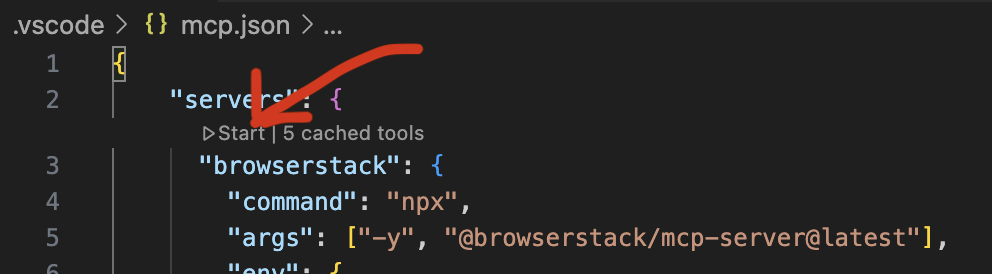
Create .vscode/mcp.json:
{
  "servers": {
    "browserstack": {
      "command": "npx",
      "args": ["-y", "@browserstack/mcp-server@latest"],
      "env": {
        "BROWSERSTACK_USERNAME": "<username>",
        "BROWSERSTACK_ACCESS_KEY": "<access_key>"
      }
    }
  }
}
Also supports one-click setup for VSCode and Cursor via browserstack.com/one-click-setup
FAQ
- What testing capabilities does BrowserStack MCP Server provide?
- It supports manual app and web testing on real devices, automated testing with frameworks like Playwright and Selenium, accessibility scanning, and test management with natural language commands.
- How do I authenticate with BrowserStack MCP Server?
- You need to provide your BrowserStack username and access key in the environment variables when configuring the MCP server in your client application.
On Hacker News
Recent discussion from the developer community.
- Story by pulkitsh1234 · 2025-04-23
Compare mcp-server with
Last updated · Auto-generated from public README + GitHub signals.