mcp-agent-langchainjs
by Azure-Samples·★ 183·Score 48
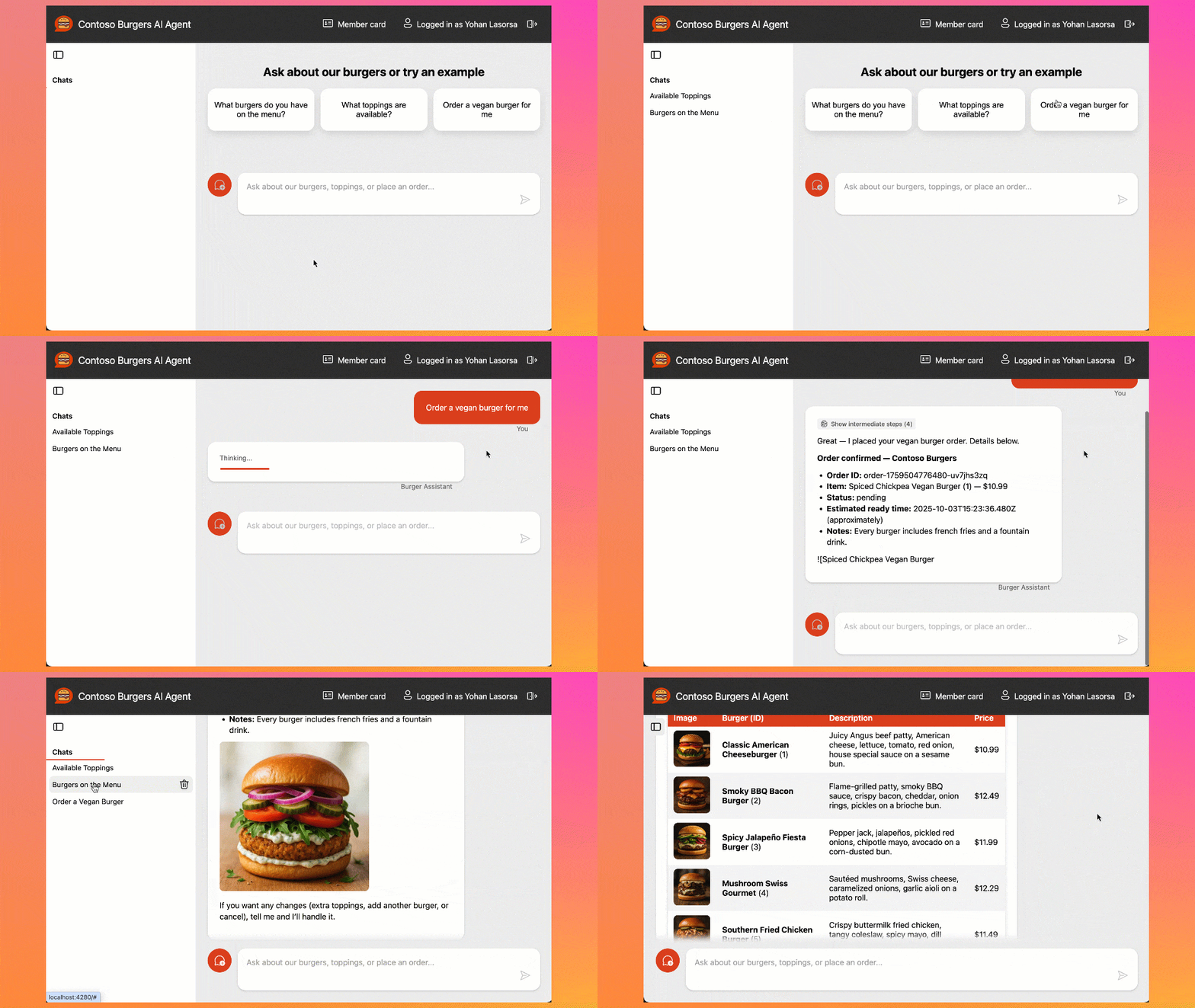
A burger ordering AI agent system using LangChain.js and MCP servers to interact with a restaurant API.
Overview
This project demonstrates how to build AI agents that interact with real-world APIs using the Model Context Protocol (MCP). It features a complete burger ordering system with a serverless API, web interfaces, and an MCP server that enables AI agents to browse menus, place orders, and track order status. The system uses LangChain.js for LLM reasoning and tool calling, built with Azure services including Static Web Apps, Azure Functions, and Cosmos DB.
Try asking AI
After installing, here are 5 things you can ask your AI assistant:
When to choose this
Teams looking to build production-ready MCP servers for e-commerce scenarios, especially those already using Azure serverless infrastructure.
When NOT to choose this
For non-Azure environments or if you need a simpler MCP implementation without the complexity of a full multi-service architecture.
Tools this server exposes
3 tools extracted from the READMEview_menuView the burger menu and available items
place_orderPlace a new burger order with specific items and preferences
get_order_statusCheck the current status of an existing order
Note: The table was truncated in the README, but I could see the beginning of an MCP tools section with three burger-related tools. Tool names were visible but descriptions and signatures were not fully shown.
Comparable tools
Installation
Installation Steps
- **GitHub Codespaces (Recommended)**:
- Open the project in [GitHub Codespaces](https://codespaces.new/Azure-Samples/mcp-agent-langchainjs?hide_repo_select=true&ref=main&quickstart=true) for a preconfigured environment
- **Local Development**:
- Clone the repository: git clone <your-repo-url> - Install Node.js LTS - Install Azure Developer CLI 1.19+ - For local testing with Ollama: ``bash ollama pull qwen3:8b ` Create a .env file with: `env AZURE_OPENAI_API_ENDPOINT="http://localhost:11434/v1" AZURE_OPENAI_MODEL="qwen3:8b" AZURE_OPENAI_API_KEY="__not_used__" `` - Start the application following the README instructions
- **Deployment to Azure**:
- Run azd auth login - Run azd up to deploy all services
**Claude Desktop Configuration** (add to claude_desktop_config.json):
{
  "mcpServers": {
    "burger-mcp": {
      "command": "node",
      "args": ["packages/burger-mcp/dist/server.js"]
    }
  }
}
FAQ
- What MCP servers are included in this project?
- The project includes a burger MCP server (for ordering burgers) and a beer MCP server (for AI-powered beer recommendations).
- Can I test this application without cloud costs?
- Yes, the application can be tested locally using Ollama models without any cloud costs.
Compare mcp-agent-langchainjs with
Last updated · Auto-generated from public README + GitHub signals.