notion-mcp-server
by awkoy·★ 151·Score 44
Production-ready MCP server for Notion API integration with comprehensive tools for managing pages, databases, comments, and users.
Overview
The Notion MCP Server is a robust implementation that enables AI assistants to interact with Notion's API through the Model Context Protocol. It provides a complete set of tools for reading, creating, and modifying Notion content. The server includes features for database operations, page management, block manipulation, comment handling, and user management. It is designed to work universally with MCP clients including Cursor, Claude Desktop, Cline, and Zed, making it a versatile solution for Notion integration in various AI workflows.
Try asking AI
After installing, here are 6 things you can ask your AI assistant:
When to choose this
Choose this server if you need AI assistants to interact directly with Notion's API for content creation, management, and knowledge retrieval.
When NOT to choose this
Don't choose if you need access to other productivity tools beyond Notion, or if you require write permissions to Notion workspaces that the integration can't access.
Tools this server exposes
5 tools extracted from the READMEnotion_pagesCreate, update, archive, restore, and search Notion pages
notion_blocksRetrieve, append, update, delete, and perform batch operations on blocks
notion_databaseCreate, query, and update Notion databases
notion_commentsGet, create, and reply to comments on Notion pages and discussions
notion_usersList workspace users and get information about specific users
Comparable tools
Installation
Installation
- **Obtain a Notion API Key**
- Create an integration at [Notion Developers](https://www.notion.so/my-integrations) - Copy your API key - Enable Integration for Your Pages
- **Claude Desktop Integration**
Create or edit the mcp.json file in your configuration directory:
{
  "mcpServers": {
    "notion-mcp-server": {
      "command": "npx",
      "args": ["-y", "notion-mcp-server"],
      "env": {
        "NOTION_TOKEN": "YOUR_KEY",
        "NOTION_PAGE_ID": "YOUR_PAGE_ID"
      }
    }
  }
}- **Cursor Integration**
Create or edit the .cursor/mcp.json file in your project directory:
{
  "mcpServers": {
    "notion-mcp-server": {
      "command": "env NOTION_TOKEN=YOUR_KEY NOTION_PAGE_ID=YOUR_PAGE_ID npx",
      "args": ["-y", "notion-mcp-server"]
    }
  }
}- **General Usage**
``bash env NOTION_TOKEN=YOUR_KEY NOTION_PAGE_ID=YOUR_PAGE_ID npx -y notion-mcp-server ``
FAQ
- What permissions are required for the Notion integration?
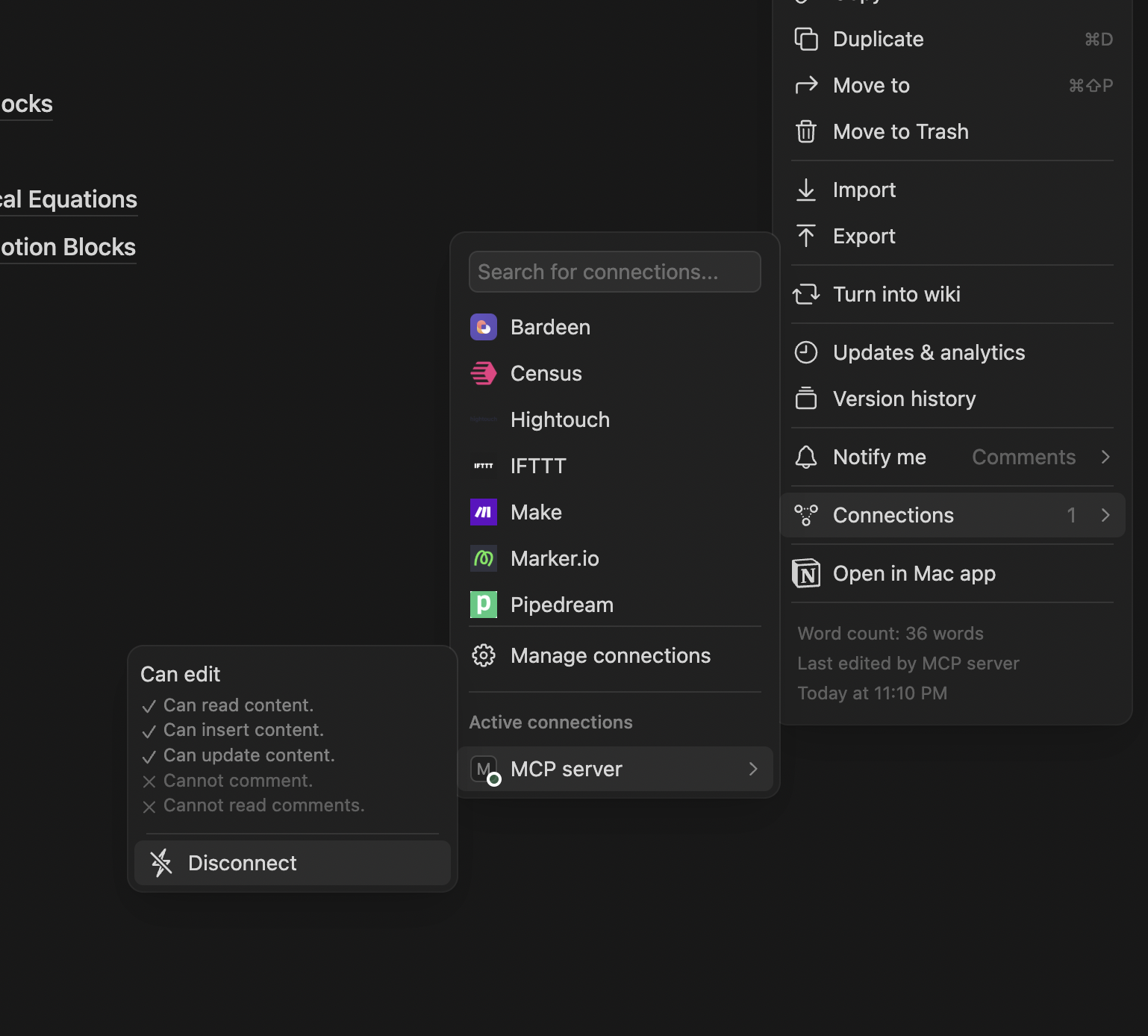
- The integration needs read/write permissions for the pages and databases you want to interact with. Ensure it's enabled for specific pages through the 'Connections' menu in Notion.
- Does this support batch operations for better performance?
- Yes, the server supports batch operations for blocks, allowing multiple append, update, delete, or mixed operations in a single request to optimize API usage.
- Can I use this with other MCP clients besides Claude and Cursor?
- Yes, the server is designed to be universally compatible with any MCP client including Cline, Zed, and others that implement the MCP specification.
Compare notion-mcp-server with
Last updated · Auto-generated from public README + GitHub signals.