memorix
by AVIDS2·★ 449·Score 53
Open-source cross-agent memory layer for coding agents via MCP with local-first storage.
Overview
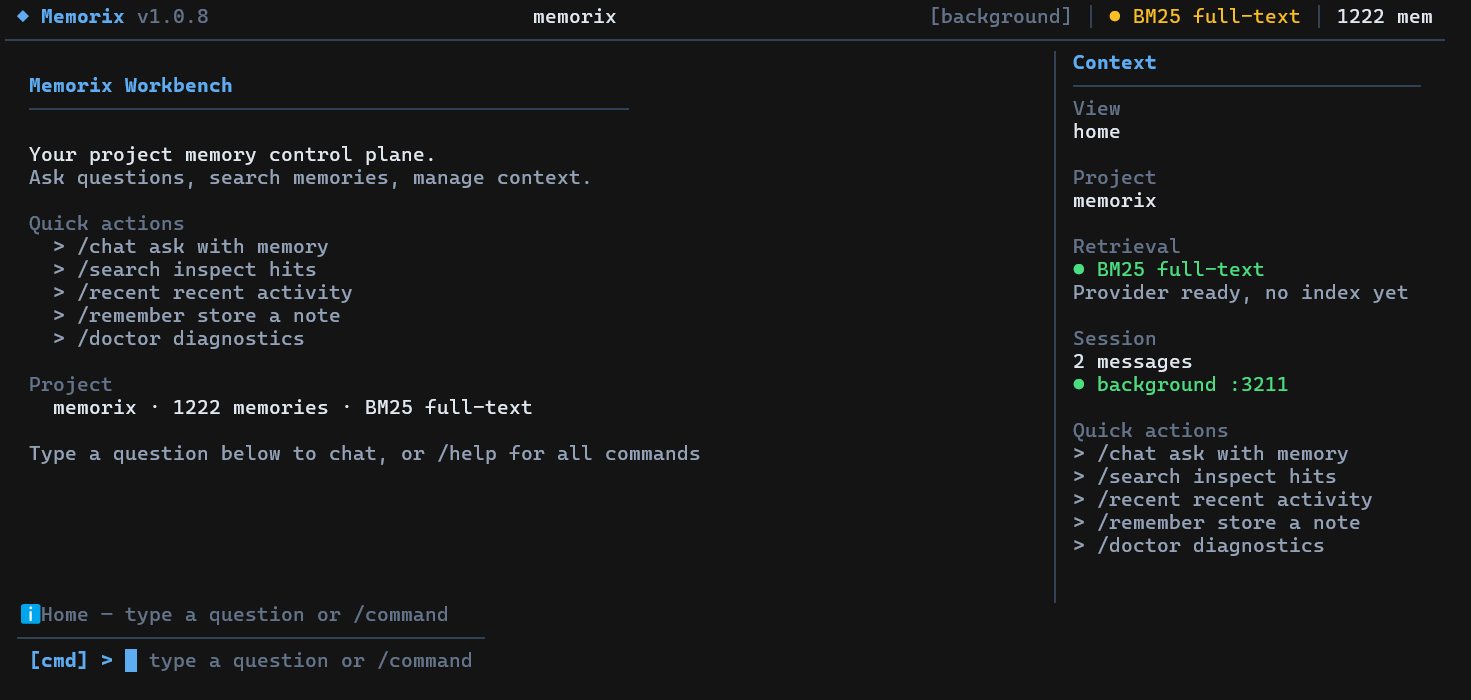
Memorix is a local-first memory control plane for coding agents that maintains project context, reasoning history, and Git-derived facts in one persistent location. It provides three-layer memory (observation, reasoning, and Git memory), source-aware retrieval, and a memory quality pipeline with deduplication and retention policies. The system supports multiple IDEs and coding agents like Cursor, Claude Code, Codex, Windsurf, and GitHub Copilot through MCP integration, enabling continuity across sessions and environments.
Try asking AI
After installing, here are 5 things you can ask your AI assistant:
When to choose this
Choose Memorix when you need persistent memory across multiple IDEs and coding agents, especially if you work with multiple AI coding tools and want them to share project context and reasoning.
When NOT to choose this
Don't choose Memorix if you only use one IDE and coding agent, prefer cloud-based solutions over local-first storage, or need a simpler memory system without the complexity of multi-agent orchestration.
Tools this server exposes
12 tools extracted from the READMEmemorix_storeStore a memory in the memorix system with text, title, entity, and type
memorix_searchSearch through stored memories using a query
memorix_detailRetrieve detailed information about a specific memory
memorix_resolveResolve or update a memory in the system
memorix_session_startStart a new session with memorix, optionally joining the agent team
memorix_task_listList available tasks in the agent team
memorix_team_statusCheck the current status of the agent team
memorix_orchestrateRun a multi-agent orchestration with a specific goal
memorix_sync_workspaceSync workspace configurations and rules
memorix_ingest_commitIngest Git commit information into memorix
memorix_audit_projectAudit the current project state and memory consistency
memorix_dashboardLaunch the memorix dashboard UI
Note: Tool names inferred from CLI commands and MCP references in the documentation. The README doesn't provide explicit MCP tool definitions but references MCP tools throughout the text.
Comparable tools
Installation
Install globally with npm:
npm install -g memorixInitialize config:
memorix initFor MCP integration in Claude Desktop, add to config.json:
{
  "mcpServers": {
    "memorix": {
      "command": "memorix",
      "args": ["serve"]
    }
  }
}
Run as MCP server: memorix serve
FAQ
- What makes Memorix different from standard IDE memory?
- Memorix provides a persistent, cross-session memory layer that extends beyond single-threaded agent memory, with Git integration and multi-agent coordination capabilities.
- How does Memorix handle privacy and data storage?
- Memorix uses SQLite as its canonical store with Orama for search, keeping all data local with no cloud dependency by default.
Compare memorix with
Last updated · Auto-generated from public README + GitHub signals.