askimo
by askimo-ai·★ 110·Score 47
A desktop-first AI agent platform that integrates MCP tools, enabling local-first workflows with multiple AI models.
Overview
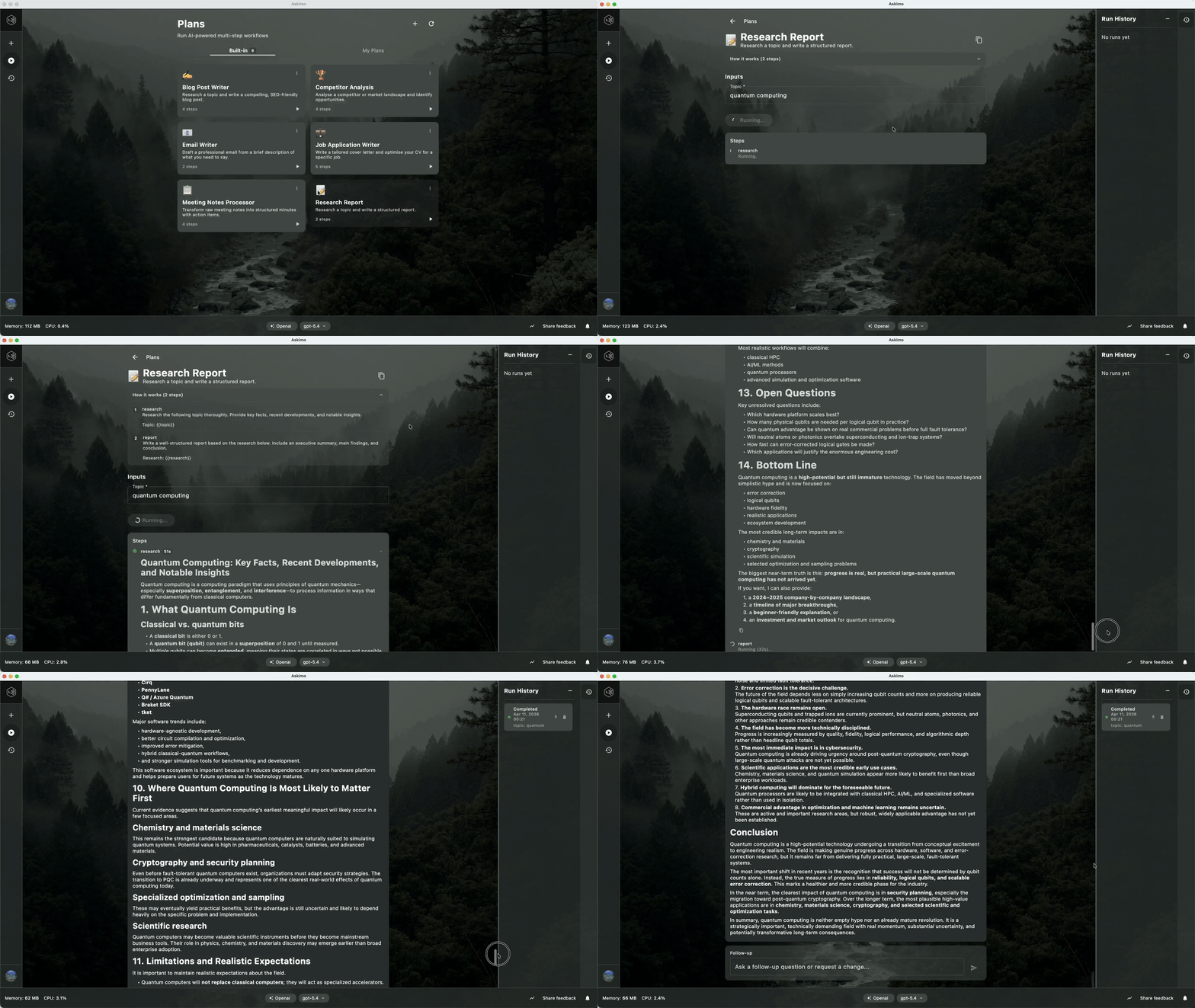
Askimo is a local-first AI agent platform that combines chat, RAG search, multi-step AI workflows, and MCP tool integration. Built with Kotlin, it supports multiple AI providers including OpenAI, Claude, Gemini, and local models like Ollama. The platform features persistent sessions, script execution capabilities, and a unique Plans system for creating multi-step AI workflows. Its MCP integration allows connecting servers via stdio or HTTP, either globally or scoped per project.
Try asking AI
After installing, here are 5 things you can ask your AI assistant:
When to choose this
Choose Askimo when you need a local-first AI platform that combines multiple AI providers with MCP tool integration, especially for RAG workflows and automation.
When NOT to choose this
Don't choose Askimo if you need cloud-based AI processing, require extensive customization of the MCP implementation, or need a web interface rather than a desktop/CLI application.
Comparable tools
Installation
Install Askimo
- Download the appropriate binary for your platform (macOS, Windows, or Linux) from [GitHub releases](https://github.com/askimo-ai/askimo/releases)
- Install and open the application
- Add an AI provider by pasting an API key or connecting to a local model
MCP Configuration
- Go to Settings > MCP Tools
- Add a new MCP server with:
- Name (e.g., "File Explorer") - Connection type (stdio or HTTP) - Command or URL - Arguments (if needed)
- Enable the server and select which tools to use
FAQ
- Does Askimo support offline usage?
- Yes, with local models like Ollama, LM Studio, or LocalAI, all AI processing happens locally. Even with cloud providers, your documents are processed locally with RAG.
- How does Askimo handle privacy?
- Askimo processes all documents locally using RAG. Nothing is uploaded to the cloud. You can use it entirely offline with local models.
Compare askimo with
Last updated · Auto-generated from public README + GitHub signals.