mcp_flutter
by Arenukvern·★ 294·Score 50
MCP server for Flutter AI agents to inspect, interact with, and control running Flutter applications.
Overview
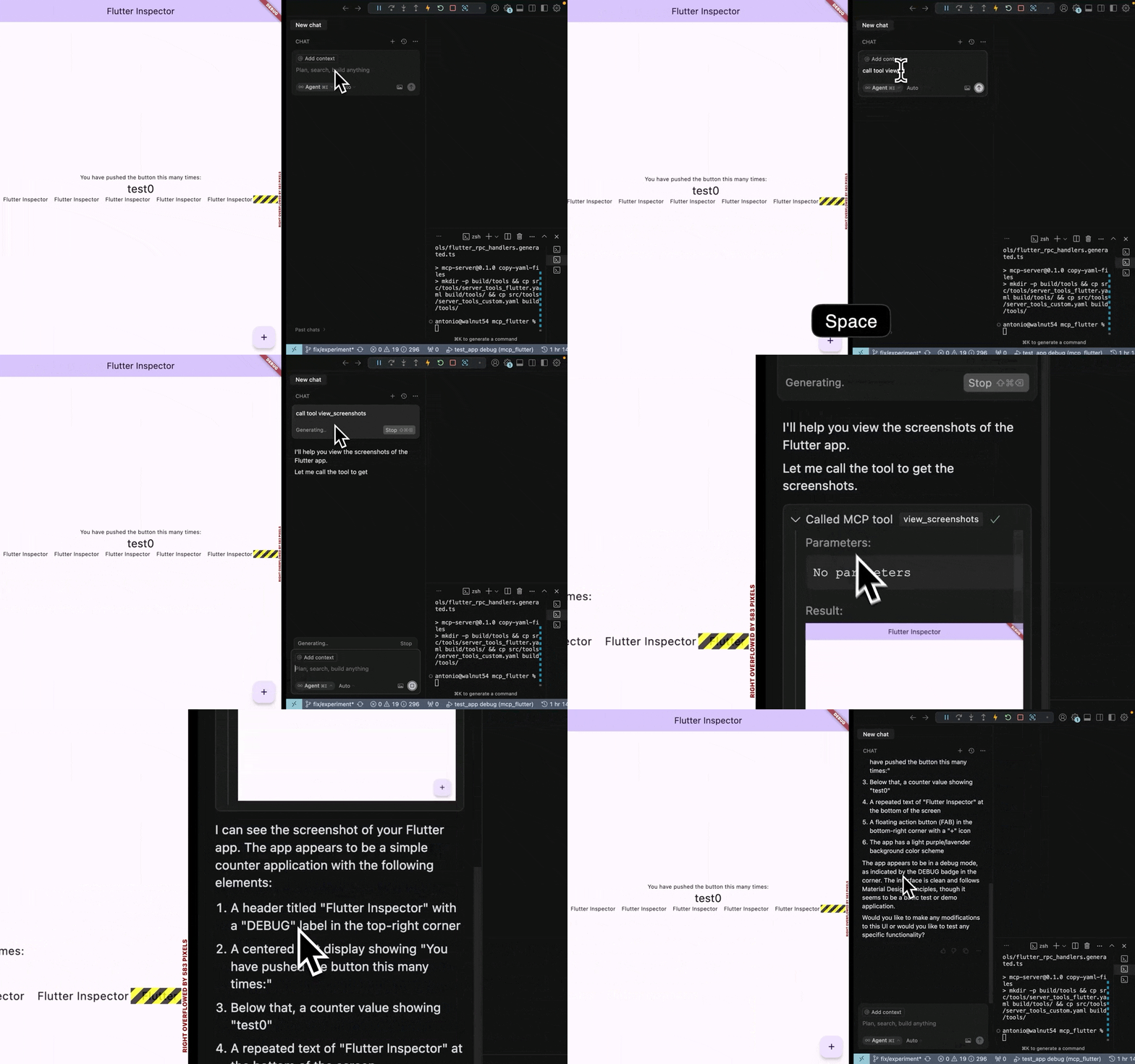
This is a Dart-based MCP server and Flutter toolkit that enables AI assistants to interact with running Flutter applications. It provides 27 MCP tools under the 'fmt_*' prefix for app inspection, interaction, debugging, and lifecycle management. A key feature is the ability to dynamically register custom tools and resources at runtime, creating a closed feedback loop between AI agents and Flutter apps.
Try asking AI
After installing, here are 6 things you can ask your AI assistant:
When to choose this
Choose this when working with Flutter apps and need AI agents to interact with UI elements, take screenshots, or debug running applications through a closed feedback loop.
When NOT to choose this
Avoid if you need to interact with native iOS/Android code directly, or if your workflow requires more general-purpose app testing tools not specific to Flutter.
Tools this server exposes
12 tools extracted from the READMEfmt_list_client_tools_and_resourcesList all client tools and resources available in the Flutter app
fmt_hot_reloadTrigger a hot reload of the Flutter app
fmt_hot_restartTrigger a hot restart of the Flutter app
fmt_semantic_snapshotTake a semantic snapshot of the Flutter app's UI
fmt_tap_widgetTap on a specific widget in the Flutter app
fmt_type_into_text_fieldType text into a specific text field in the Flutter app
fmt_scrollScroll the Flutter app view in a specific direction
fmt_screenshotTake a screenshot of the current Flutter app view
fmt_get_recent_logsRetrieve recent logs from the Flutter app
fmt_evaluate_dart_expressionEvaluate a Dart expression in the Flutter app context
fmt_navigate_to_routeNavigate to a specific route in the Flutter app
fmt_wait_for_conditionWait for a specific condition to be met in the Flutter app
Comparable tools
Installation
Installation
- Install the binary:
curl -fsSL https://raw.githubusercontent.com/Arenukvern/mcp_flutter/main/install.sh | bash- Add the toolkit to your Flutter app:
cd my-flutter-app
flutter-mcp-toolkit codegen-init # adds flutter_mcp_toolkit + emits main.dart snippet- Install skills for your AI agent:
flutter-mcp-toolkit init claude-code # or: cursor | codex | cline | all- Run your app:
flutter run --debugClaude Desktop Configuration
Add to claude_desktop_config.json:
{
  "mcpServers": {
    "flutter-mcp-toolkit": {
      "command": "flutter-mcp-toolkit",
      "args": ["server"]
    }
  }
}
FAQ
- How do I connect the MCP server to my Flutter app?
- Ensure your Flutter app is running in debug mode. The toolkit provides a WebSocket connection that the MCP server can connect to. You can find the connection URI in your Flutter app's debug output.
- Can I create custom MCP tools for my Flutter app?
- Yes, the toolkit supports dynamic tool registration at runtime. You can add custom tools using `MCPToolkitBinding.instance.addEntries()` in your Flutter app.
- Which AI assistants are supported?
- The toolkit supports Claude Code, Cursor, Codex, Zed, Intent, Cline, and other compatible AI assistants that can connect to MCP servers.
Compare mcp_flutter with
Last updated · Auto-generated from public README + GitHub signals.