quick-mcp-example
by ALucek·★ 60·Score 37
Minimal example MCP server implementation demonstrating Tools, Resources and Prompts capabilities in Python.
Overview
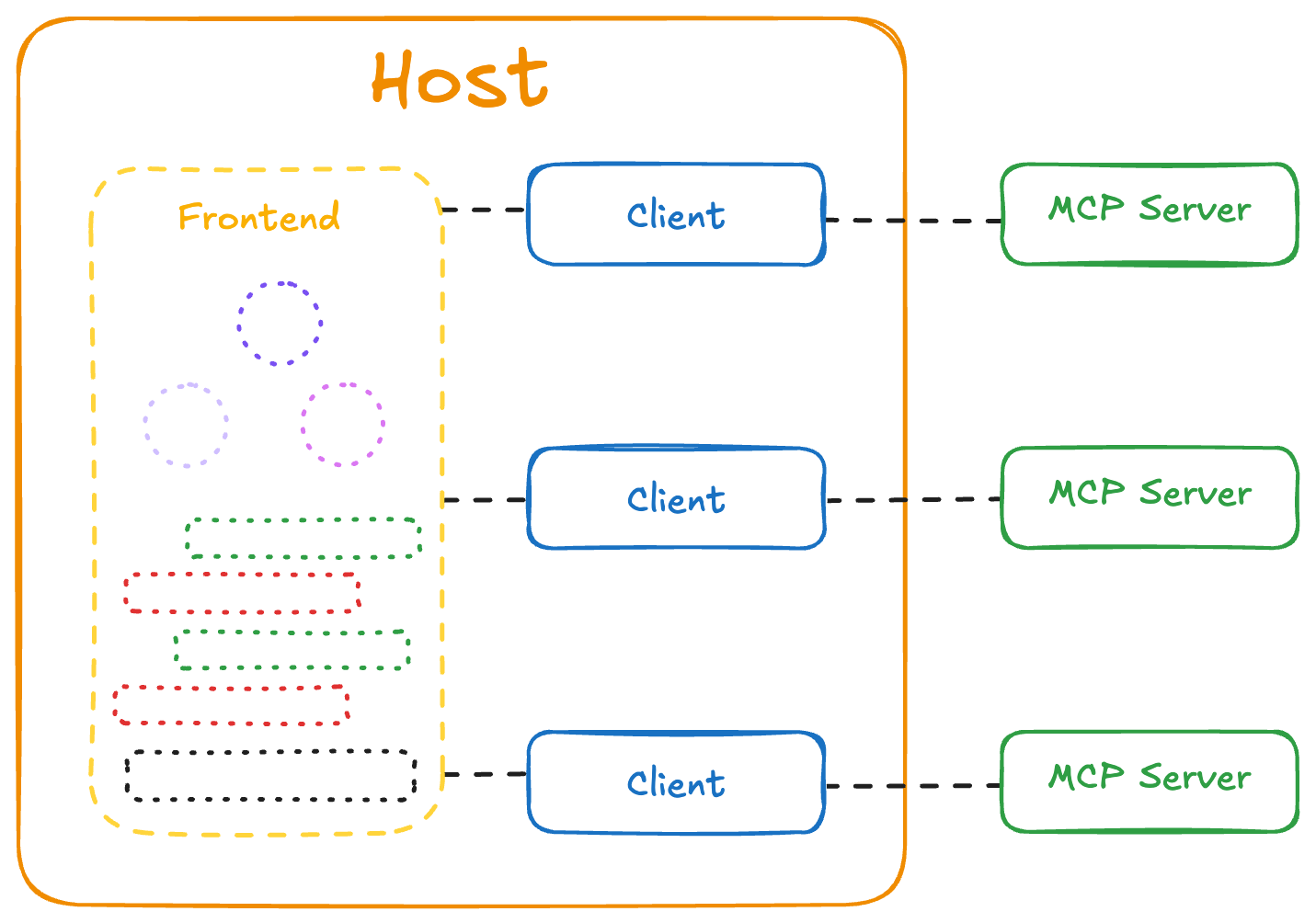
This repository provides a straightforward example of MCP server implementation with core functionality including tools for querying vector databases, resources for context provision, and prompts for standardized workflows. The implementation includes both server and client components with clear documentation on the architecture and setup process. While basic in functionality, it serves as an excellent starting point for understanding MCP protocol implementation patterns.
Try asking AI
After installing, here are 3 things you can ask your AI assistant:
When to choose this
Choose this example when you're learning MCP implementation patterns or need a starting template for building a knowledgebase chatbot with RAG capabilities.
When NOT to choose this
Don't choose this for production use as it's an educational example rather than a fully-featured server. For production systems, consider more mature MCP servers with authentication, error handling, and support.
Tools this server exposes
1 tool extracted from the READMEquery_vector_databaseQuery the ChromaDB vector database for RAG responses
Note: The README describes the server's functionality but doesn't explicitly list tool names. I inferred the tool name from the description of querying a vector database for RAG responses, which is mentioned as one of the core functionalities.
Comparable tools
Installation
Installation
- Clone the repository
git clone https://github.com/ALucek/quick-mcp-example.git
cd quick-mcp-example- Create virtual environment and install dependencies
# Using uv (recommended)
uv venv
source .venv/bin/activate  # On macOS/Linux
# OR
.venv\Scripts\activate     # On Windows

uv sync- Set up ChromaDB database by following instructions in
MCP_setup.ipynb
- Run the client and server
python client.py mcp_server.pyClaude Desktop Configuration
Add to Claude Desktop config.json:
{
  "mcpServers": {
    "quick-mcp-example": {
      "command": "python",
      "args": ["/path/to/quick-mcp-example/mcp_server.py"]
    }
  }
}
Compare quick-mcp-example with
Last updated · Auto-generated from public README + GitHub signals.