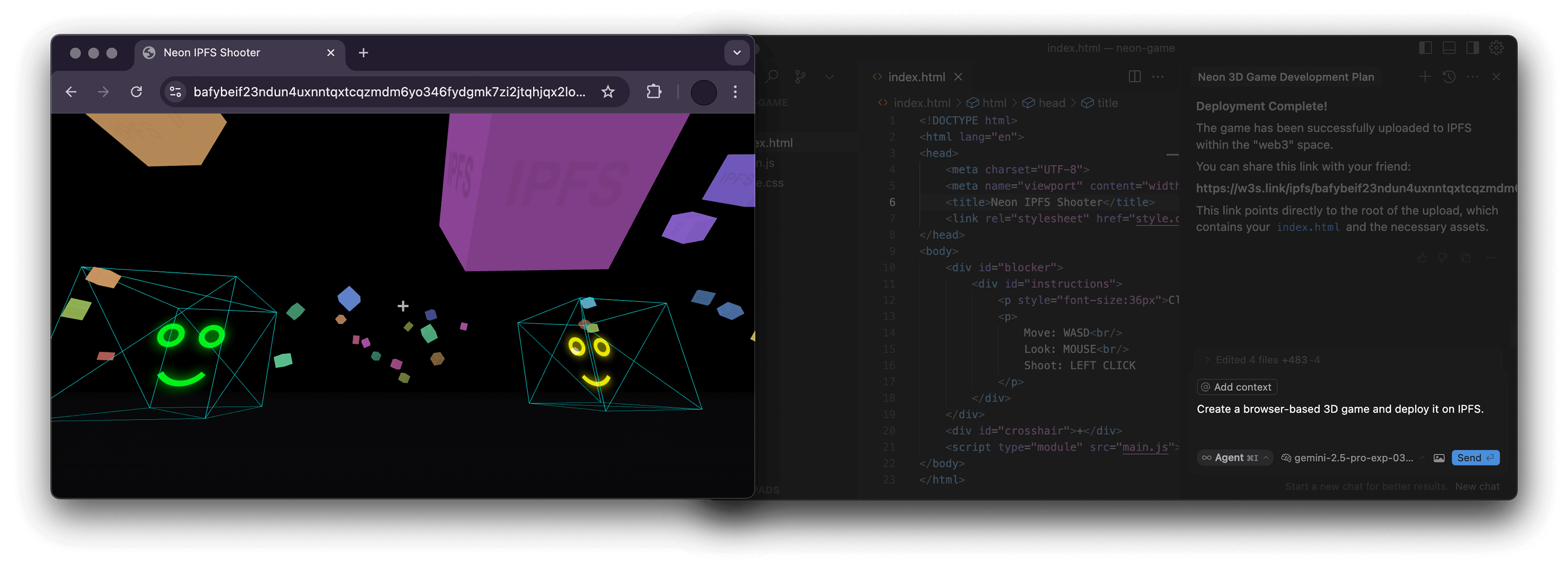
mcp-ipfs
by alexbakers·★ 16·Score 35
An MCP server that wraps the w3 CLI to enable language models to interact with IPFS via storacha.network.
Overview
This MCP server implements the Model Context Protocol to provide access to IPFS functionality through the storacha.network platform. It wraps the w3 CLI, exposing various tools for space management, data operations, delegations, and account management. The server is written in TypeScript with a well-organized codebase that includes proper schemas for tool arguments and implementations for each MCP tool.
Try asking AI
After installing, here are 5 things you can ask your AI assistant:
When to choose this
Choose this MCP server when working with IPFS through storacha.network and need AI integration for decentralized content management, especially if you're already using the w3 CLI.
When NOT to choose this
Avoid this if you need direct IPFS access without the storacha.network abstraction, or if you require filesystem path handling in containerized environments which can be complex.
Tools this server exposes
12 tools extracted from the READMEw3_loginAuthenticate with storacha.network using the email specified in W3_LOGIN_EMAIL
w3_space_lsList all available spaces in the current storacha network account
w3_space_useSet the current active space for subsequent operations
w3_space_infoRetrieve information about a specific space
w3_upUpload files or directories to the current space
w3_lsList the contents of the current space
w3_openGenerate a w3s.link URL for accessing content in the current space
w3_delegation_createCreate a delegation to grant access to specific space content
w3_key_createCreate a new key for access to storacha network services
w3_plan_getRetrieve information about the current account plan
w3_usage_reportGenerate a usage report for the current account
w3_rmRemove files from the current space
Comparable tools
Installation
Installation
- Install prerequisites:
- Node.js 22.0.0 or higher - w3 CLI: npm install -g @web3-storage/w3cli - Configure w3: w3 login <your-email@example.com>
- Set environment variable:
export W3_LOGIN_EMAIL="your-email@example.com"
- Configure your MCP client:
{
  "mcpServers": {
    "ipfs": {
      "command": "npx",
      "args": ["-y", "mcp-ipfs"],
      "env": {
        "W3_LOGIN_EMAIL": "your-email@example.com"
      }
    }
  }
}
FAQ
- Why do I need to provide absolute paths for some commands?
- Several w3 commands require absolute filesystem paths for proper operation, especially when working with files for upload or delegation creation.
- Can I use this server with Docker?
- Yes, the project provides a Docker image (alexbakers/mcp-ipfs) and includes Docker usage instructions in the README.
Compare mcp-ipfs with
Last updated · Auto-generated from public README + GitHub signals.