mcp-salesforce
by AiondaDotCom·★ 16·Score 42
Complete MCP server for Salesforce integration with Claude Desktop, offering OAuth authentication and universal CRUD operations.
Overview
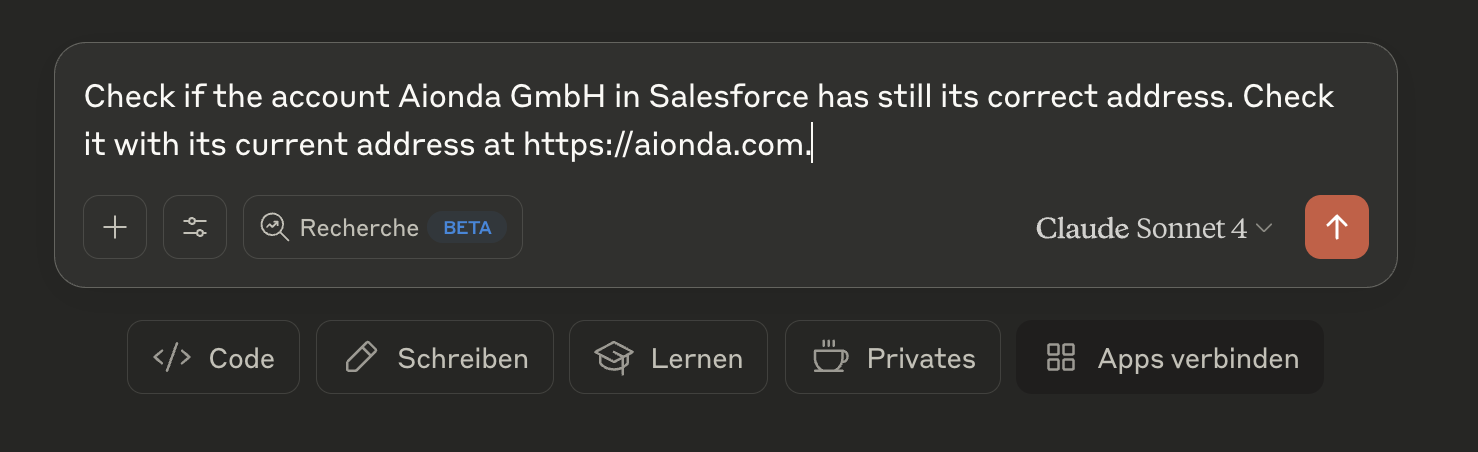
The MCP Salesforce Server provides a comprehensive interface for AI assistants to interact with Salesforce organizations. It features seamless OAuth authentication with automatic handling, zero manual setup, and works with any Salesforce org including custom objects and fields. The server offers full CRUD operations, schema discovery, and intelligent assistance based on analyzing the complete Salesforce setup.
Try asking AI
After installing, here are 5 things you can ask your AI assistant:
When to choose this
Choose this server when you need a complete, out-of-the-box integration between AI assistants and Salesforce with minimal setup requirements.
When NOT to choose this
Avoid if you're not using macOS (required for secure credential storage) or if you need advanced Salesforce features not covered by the universal CRUD interface.
Tools this server exposes
12 tools extracted from the READMEsalesforce_learn{} // Force complete re-analysis { "force_refresh": true, "detailed_relationships": true }Analyzes your complete Salesforce installation including objects, fields and customizations
salesforce_installation_info{} // Details about a specific object { "object_name": "TimeTracking__c" } // Search for specific fields { "field_search": "email", "show_custom_only": true }Provides overview of available objects, Custom Fields and customizations
salesforce_query{ "query": "SELECT Id, FirstName, LastName, Email FROM Contact WHERE CreatedDate = THIS_MONTH ORDER BY CreatedDate DESC LIMIT 10" }Execute SOQL queries against any Salesforce object
salesforce_create{ "sobject": "Contact", "data": { "FirstName": "John", "LastName": "Doe", "Email": "john.doe@example.com", "Phone": "555-1234" } }Create new records in any Salesforce object
salesforce_update{ "sobject": "Contact", "id": "003XX000008b6cYAQ", "data": { "Email": "new.email@example.com", "Phone": "555-5678" } }Update existing Salesforce records
salesforce_delete{ "sobject": "Contact", "id": "003XX000008b6cYAQ" }Delete Salesforce records (permanent action)
salesforce_describe{ "sobject": "Contact" } // Or get list of all available objects {} // Empty parametersGet schema information for objects and fields
salesforce_backup{} // Incremental backup since specific date { "backup_type": "incremental", "since_date": "2025-01-01T00:00:00Z" } // Backup with specific options { "options": { "include_files": true, "include_attachments": true, "inclCreates comprehensive backups of Salesforce data and files
salesforce_backup_list{} // Details about a specific backup { "backup_name": "salesforce-backup-2025-06-04T16-16-35-660Z" }Show available backups with statistics and metadata
salesforce_time_machine{ "backup_timestamp": "2025-06-04T16-16:35.660Z", "object_name": "Account" } // Show all changes since a specific backup { "backup_timestamp": "2025-06-04T16-16:35.660Z", "show_all_changes": true }Compare data between backup time points and enable targeted recovery
salesforce_authHandle Salesforce authentication with OAuth flow
salesforce_setupConfigure Salesforce credentials and OAuth settings
Comparable tools
Installation
Installation
Recommended: NPX Usage
Add to Claude Desktop configuration:
{
  "mcpServers": {
    "salesforce": {
      "command": "npx",
      "args": ["@aiondadotcom/mcp-salesforce"]
    }
  }
}
Development Setup
- Clone repository:
git clone https://github.com/AiondaDotCom/mcp-salesforce.git - Install dependencies:
npm install - Use local path in Claude Desktop configuration
FAQ
- What authentication method does this server use?
- It uses OAuth authentication with a browser-based setup and automatic token refresh. No manual terminal commands are required for authentication.
- Does it work with custom Salesforce objects?
- Yes, it works with any Salesforce objects including custom ones. The server can analyze and learn your complete Salesforce setup.
Compare mcp-salesforce with
Last updated · Auto-generated from public README + GitHub signals.