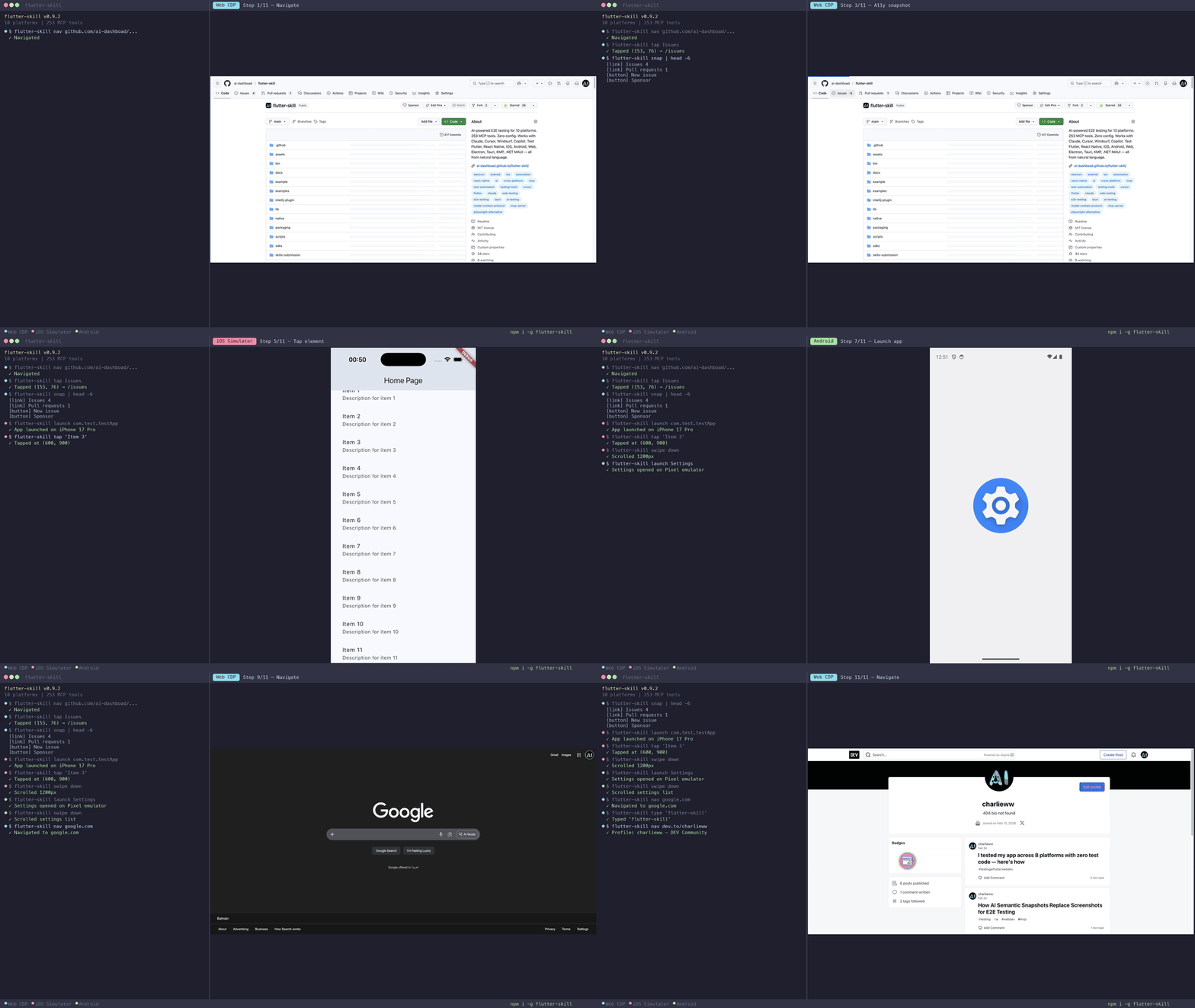
flutter-skill
by ai-dashboad·★ 252·Score 52
An AI-powered E2E testing tool for 10 platforms with 253 MCP tools, enabling testing from natural language without writing test code.
Overview
flutter-skill connects AI agents directly to running applications via MCP protocol, enabling autonomous testing across Flutter, React Native, iOS, Android, Web, Electron, Tauri, KMP, and .NET MAUI platforms. It eliminates the need for traditional test code by allowing testers to describe tests in plain English, which the AI then translates into actionable steps like tapping buttons, filling forms, and navigating through the app. The tool provides zero configuration setup and operates as both an MCP server for IDE integration and an HTTP server for automation scripts.
Try asking AI
After installing, here are 5 things you can ask your AI assistant:
When to choose this
Choose flutter-skill when you need AI-powered, cross-platform E2E testing without writing test code or maintaining selectors, especially for Flutter or React Native applications.
When NOT to choose this
Don't choose flutter-skill if you need fine-grained control over test automation, require traditional test frameworks like Jest/Cypress, or need to test applications that cannot be modified to include the flutter-skill SDK.
Tools this server exposes
12 tools extracted from the READMEscreenshotCapture the screen as an image
tapTap on an element by text, reference, or coordinates
enter_textEnter text into an input field
find_elementFind an element matching a selector
scrollScroll the screen in a direction
page_summaryGet a semantic summary of the current page
explore_actionsPerform multiple actions in a single call
smart_tapTap an element with AI-based understanding
assert_textCheck if specific text is present on the screen
launch_appLaunch the target application
hot_reloadHot reload the application for Flutter apps
snapshotGet a structured accessibility tree of the current screen
Comparable tools
Installation
Installation
- **Install flutter-skill CLI:**
npm install -g flutter-skill- **Add to your AI tool's MCP config (example for Claude Desktop):**
{
  "mcpServers": {
    "flutter-skill": {
      "command": "flutter-skill",
      "args": ["server"]
    }
  }
}- **Add to your Flutter app** (2 lines of code):
import 'package:flutter_skill/flutter_skill.dart';

void main() {
  if (kDebugMode) FlutterSkillBinding.ensureInitialized();
  runApp(MyApp());
}
FAQ
- What platforms does flutter-skill support?
- flutter-skill supports 10 platforms: Flutter (iOS/Android/Web), React Native, Electron, Tauri, Android (Kotlin), KMP Desktop, .NET MAUI, iOS (Swift/UIKit), and Web applications.
- How is this different from traditional E2E testing tools?
- Unlike tools like Playwright or Appium, flutter-skill uses AI agents that can understand plain English test descriptions, eliminating the need for writing test code, selectors, or Page Objects. It also provides 7× more MCP tools than its nearest competitor.
On Hacker News
Recent discussion from the developer community.
- Story by charlie-w · 2026-02-23
- Story by charlie-w · 2026-02-14
Compare flutter-skill with
Last updated · Auto-generated from public README + GitHub signals.