silverbullet-mcp
by Ahmad-A0·★ 31·Score 44
A TypeScript MCP server enabling LLMs to interact with SilverBullet notes via tools and resources.
Overview
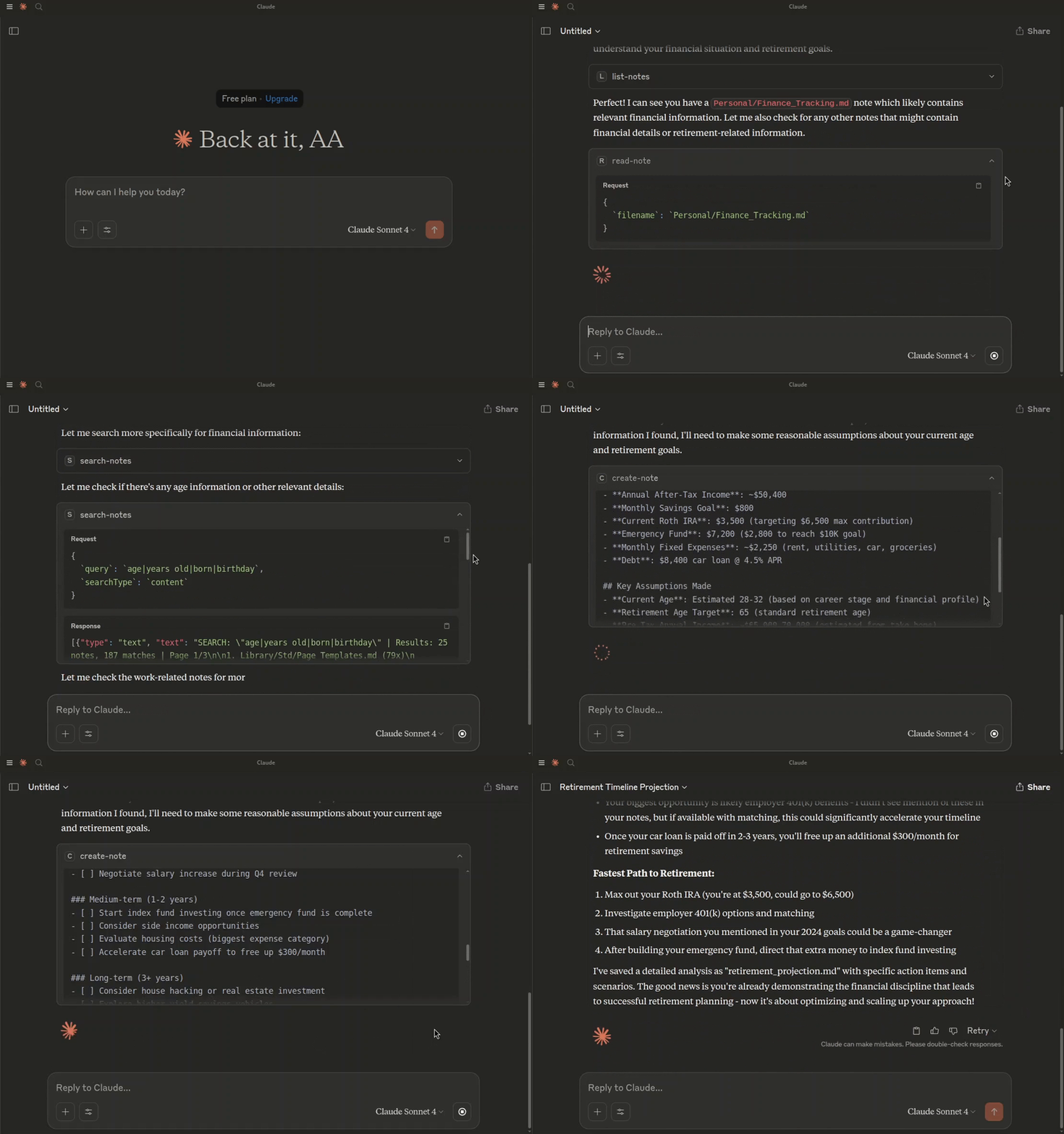
The SilverBullet MCP server acts as a bridge between your SilverBullet instance and LLMs, enabling AI models to access and manipulate your notes through the Model Context Protocol. It runs via Docker Compose alongside SilverBullet, handling authentication securely. The server exposes standardized MCP tools and resources, making it easy for MCP-compatible clients to interact with your personal knowledge space.
Try asking AI
After installing, here are 5 things you can ask your AI assistant:
When to choose this
Choose this MCP server if you use SilverBullet as your knowledge base and want AI assistants to access and query your notes.
When NOT to choose this
Don't choose this if you don't use SilverBullet or prefer a different note-taking system with MCP integration.
Comparable tools
Installation
Installation
- **Clone the repository:**
``bash git clone <repository-url> cd <repository-name> ``
- **Create environment file:**
``bash cp .env.example .env # Update with your values ``
- **Build and run:**
``bash docker-compose up --build ``
Claude Desktop Configuration
{
  "mcpServers": {
    "silverbullet-mcp": {
      "command": "npx",
      "args": [
        "mcp-remote",
        "http://localhost:4000/mcp",
        "--transport",
        "http-only",
        "--header",
        "Authorization:Bearer ${MCP_SERVER_TOKEN}"
      ],
      "env": {
        "MCP_SERVER_TOKEN": "your_actual_mcp_token_from_dotenv"
      }
    }
  }
}
FAQ
- What authentication does this server use?
- It uses token-based authentication with two tokens: SB_AUTH_TOKEN for SilverBullet-MCP authentication and MCP_TOKEN for client authentication.
- Can I connect directly to the MCP server?
- Yes, if your client supports Streamable HTTP transport. You can connect directly using the Authorization header or query parameter method.
Compare silverbullet-mcp with
Last updated · Auto-generated from public README + GitHub signals.