paper-search-mcp-openai
by adamamer20·★ 13·Score 39
Python-based MCP server for searching and downloading academic papers from multiple sources.
Overview
Paper Search MCP is a well-implemented Model Context Protocol server that provides tools for searching and downloading academic papers from various platforms including arXiv, PubMed, bioRxiv, and more. It features standardized tools compatible with OpenAI Deep Research and ChatGPT connectors, and includes asynchronous handling for efficient network requests. The server is designed to seamlessly integrate with LLM clients like Claude Desktop, making it valuable for AI-driven research workflows.
Try asking AI
After installing, here are 5 things you can ask your AI assistant:
When to choose this
Choose this server if you need academic paper search functionality integrated into your LLM workflow, especially if you're already using Claude Desktop.
When NOT to choose this
Don't choose this if you need access to subscription-only research databases or require more extensive paper management features beyond search and download.
Tools this server exposes
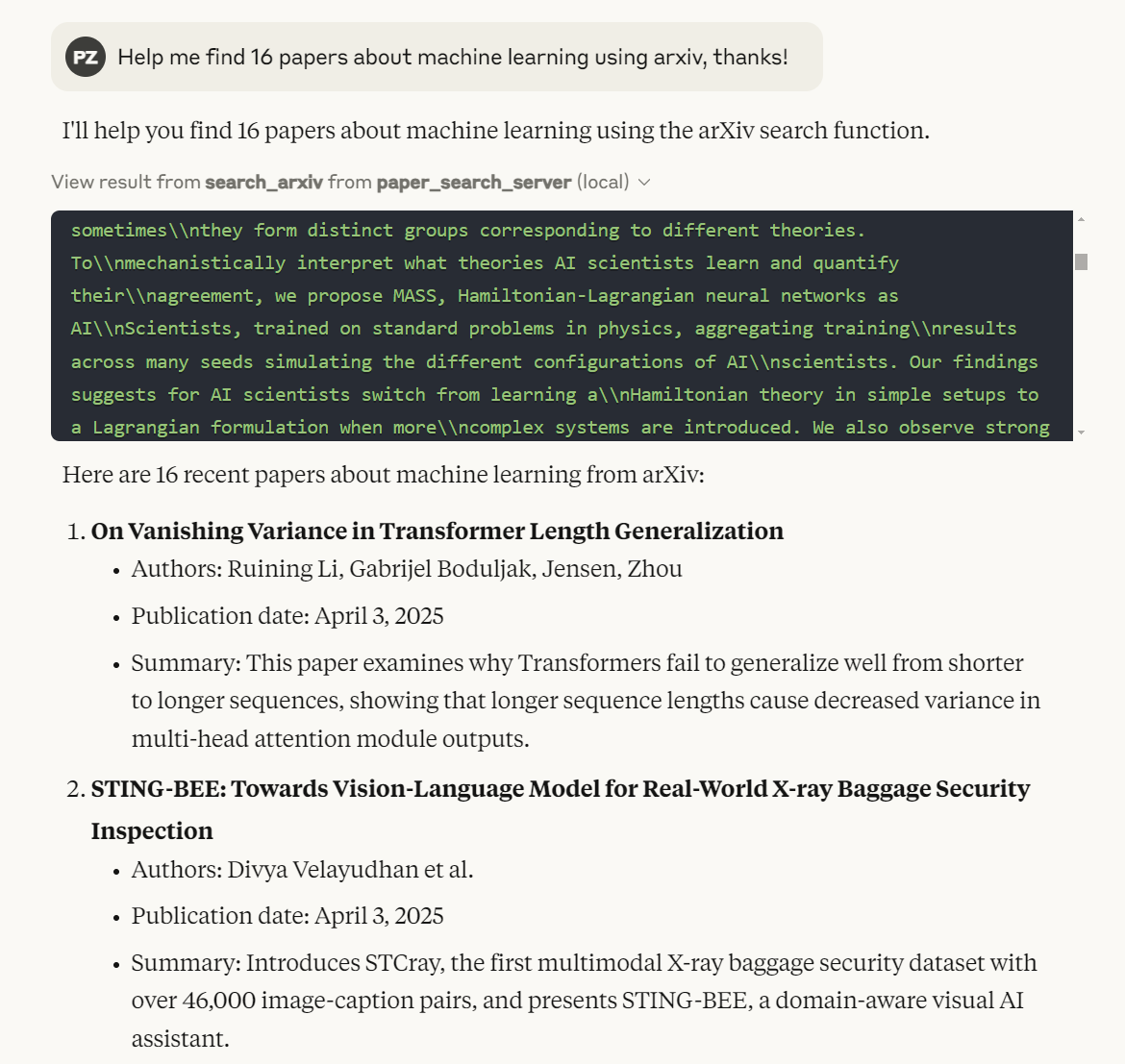
10 tools extracted from the READMEsearch_arxivSearch for academic papers on arXiv
search_pubmedSearch for academic papers on PubMed
search_biorxivSearch for preprint papers on bioRxiv
search_medrxivSearch for medical preprint papers on medRxiv
search_google_scholarSearch for academic papers on Google Scholar
search_iacrSearch for papers in IACR ePrint Archive
search_semantic_scholarSearch for academic papers on Semantic Scholar
download_arxivDownload PDF of a paper from arXiv
searchGeneric search across multiple academic platforms
fetchFetch paper details from multiple academic platforms
Note: Tools were explicitly mentioned in the Features section and throughout the README documentation.
Comparable tools
Installation
Installation
Quick Start
- **Install Package**:
``bash uv add paper-search-mcp ``
- **Configure Claude Desktop**:
Add this configuration to ~/Library/Application Support/Claude/claude_desktop_config.json (Mac) or %APPDATA%\Claude\claude_desktop_config.json (Windows): ``json { "mcpServers": { "paper_search_server": { "command": "uv", "args": [ "run", "--directory", "/path/to/your/paper-search-mcp", "-m", "paper_search_mcp.server" ], "env": { "SEMANTIC_SCHOLAR_API_KEY": "" // Optional: For enhanced Semantic Scholar features } } } } ``
Install via Smithery
npx -y @smithery/cli install @openags/paper-search-mcp --client claudeFAQ
- What academic sources are supported?
- The server currently supports arXiv, PubMed, bioRxiv, medRxiv, Google Scholar, IACR ePrint Archive, and Semantic Scholar, with plans to add more platforms.
- Do I need API keys to use this server?
- No API keys are required for basic functionality, though you can optionally provide a Semantic Scholar API key for enhanced features.
Compare paper-search-mcp-openai with
Last updated · Auto-generated from public README + GitHub signals.