MCPNotes
by 9Ninety·★ 36·Score 38
A dual-server MCP system for AI-powered note-taking with web interface and DynamoDB storage.
Overview
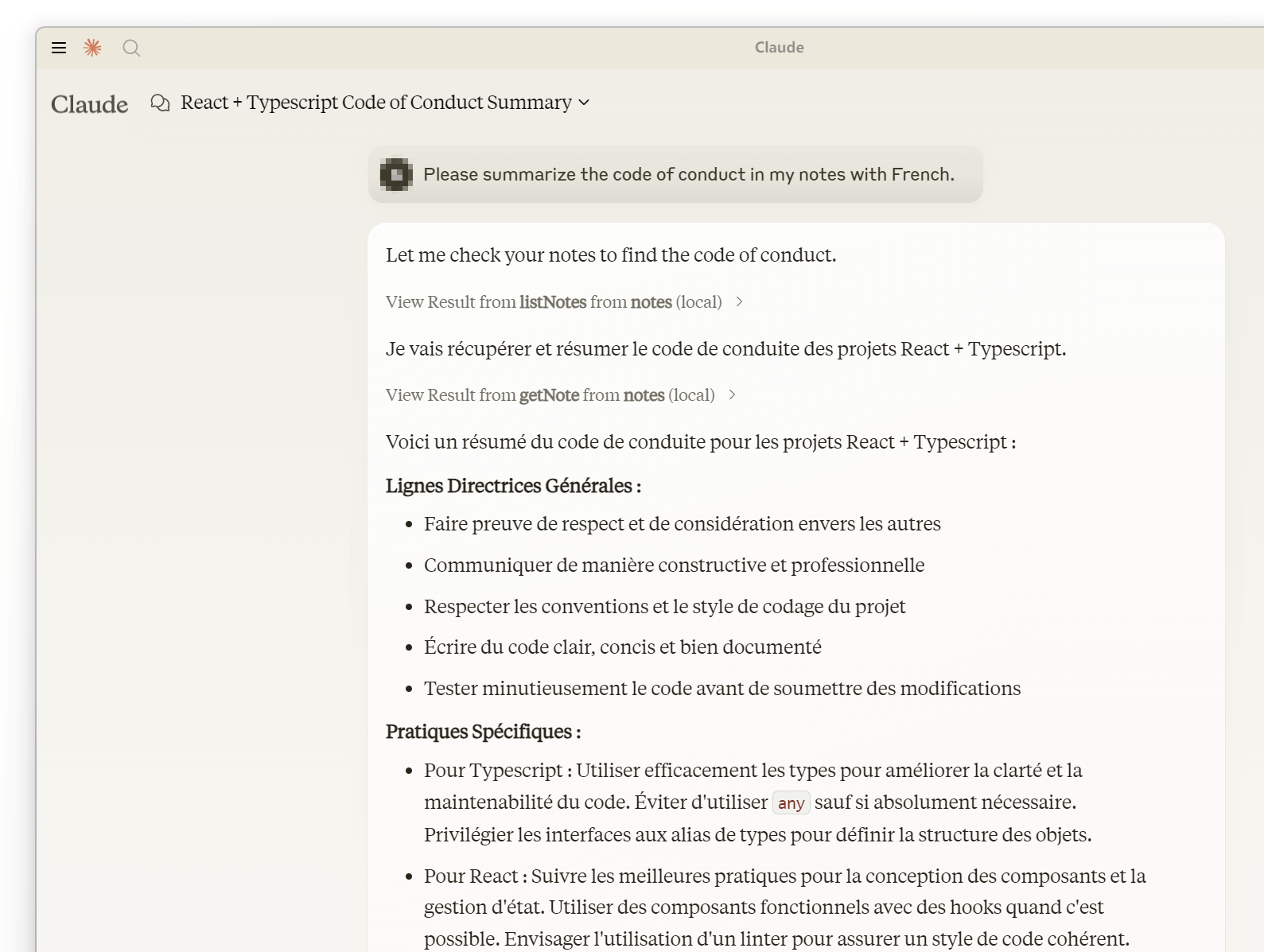
MCPNotes is a comprehensive note-taking solution built on the Model Context Protocol. It consists of a TypeScript MCP server for AI-driven note management and a separate web server for user interaction. Notes are stored securely in AWS DynamoDB and can be managed either through AI tool calls or the web interface. The server supports multiple popular AI models and offers features like note creation, retrieval, updating, deletion, and tagging. Its project-independent design allows users to store personal notes without affecting project files.
Try asking AI
After installing, here are 5 things you can ask your AI assistant:
When to choose this
Choose this MCP server if you need AI-powered note management and already use AWS services, as it provides both MCP integration and a web interface.
When NOT to choose this
Avoid this server if you don't want to set up AWS infrastructure or need a self-hosted solution without cloud dependencies.
Tools this server exposes
4 tools extracted from the READMElistNotes{ tags?: string[] }List all notes, optionally filtered by tags
getNote{ id: string }Retrieve a specific note by its ID
writeNote{ id: string, title: string, summary: string, tags: string[], content: string }Create or update a note with the provided information
deleteNote{ id: string }Delete a note by its ID
Comparable tools
Installation
Installation
**Recommended:** Run directly with npx or bunx
**Alternative:**
- Clone this repository
- Install dependencies with
npm install
Claude Desktop Configuration
Add to claude_desktop_config.json:
{
  "mcpServers": {
    "mcp-notes": {
      "command": "npx",
      "args": [
        "-y",
        "-p",
        "mcp-notes",
        "mcp-notes-server",
        "--dynamodb",
        "dynamodb://<access_key>:<secret_key>@<region>/<table>"
      ]
    }
  }
}
Web Server
npx -p mcp-notes mcp-notes-web-server --dynamodb "dynamodb://<access_key>:<secret_key>@<region>/<table>"FAQ
- What storage does this MCP server require?
- The server requires AWS DynamoDB for note storage. AWS offers a generous free tier that is suitable for frequent personal use at no cost.
- Which AI models are supported?
- The server supports any model that supports function calls, including Claude 3.5, Gemini 1.5/2.0, GPT-4, Mistral Large, Grok-2, and DeepSeek Chat.
Compare MCPNotes with
Last updated · Auto-generated from public README + GitHub signals.