touchdesigner-mcp
by 8beeeaaat·★ 324·Score 50
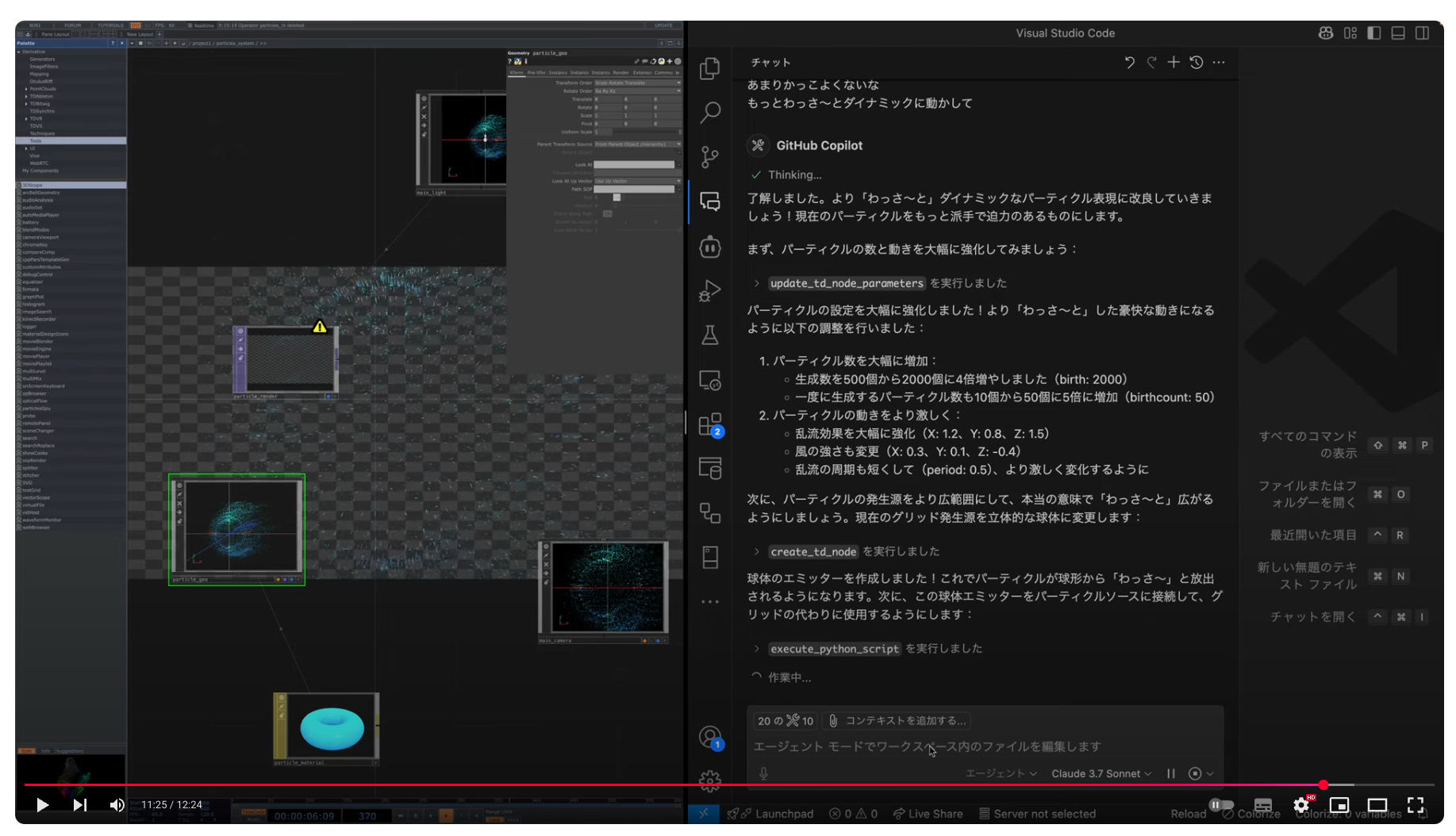
An MCP server enabling AI agents to control TouchDesigner through node manipulation and Python script execution.
Overview
TouchDesigner MCP bridges AI models with TouchDesigner's WebServer DAT, allowing agents to programmatically interact with TouchDesigner projects. It provides comprehensive tools for creating, modifying, and deleting nodes, querying node properties, and executing Python scripts within the TouchDesigner environment. The server implements proper versioning and compatibility checks to ensure stable operation with different TouchDesigner API versions.
Try asking AI
After installing, here are 4 things you can ask your AI assistant:
When to choose this
Choose this server if you're working with TouchDesigner projects and want to integrate AI for generative design, automated node manipulation, or creative programming workflows.
When NOT to choose this
Don't choose this if you need to work with other creative coding environments like Processing or p5.js, or if you require authentication for multi-user environments.
Tools this server exposes
12 tools extracted from the READMEcreate_td_nodeCreates a new node in TouchDesigner
delete_td_nodeDeletes an existing node in TouchDesigner
exec_node_methodCalls a Python method on a TouchDesigner node
execute_python_scriptExecutes an arbitrary Python script in TouchDesigner
get_module_helpGets Python help documentation for TouchDesigner modules
get_td_class_detailsGets details of a TouchDesigner Python class or module
get_td_classesGets a list of TouchDesigner Python classes
get_td_infoGets information about the TouchDesigner server environment
get_td_node_errorsChecks for errors on a specified node and its children
get_td_node_parametersGets the parameters of a specific TouchDesigner node
get_td_nodesGets nodes under a parent path with optional filtering
update_td_node_parametersUpdates the parameters of a specific TouchDesigner node
Comparable tools
Installation
Installation
- Download the latest release from [GitHub Releases](https://github.com/8beeeaaat/touchdesigner-mcp/releases/latest)
- Extract the
touchdesigner-mcp-td.zipfile - Replace your existing
touchdesigner-mcp-tdfolder with the new contents - Remove the old
mcp_webserver_basecomponent from your TouchDesigner project - Import the new
.toxcomponent - Start TouchDesigner and ensure the WebServer DAT is running
Claude Desktop Configuration
Add to claude_desktop_config.json:
{
  "mcpServers": {
    "touchdesigner": {
      "command": "npx",
      "args": ["-y", "@8beeeaaat/touchdesigner-mcp-server@latest"]
    }
  }
}
FAQ
- What versions of TouchDesigner are compatible?
- The MCP server uses semantic versioning with a minimum API version of 1.3.0. Version compatibility is enforced with clear warnings and error messages.
- How do I troubleshoot connection errors?
- Common issues include connection refused (ensure TouchDesigner is running), timeout (check network connection), or invalid hostname (use 127.0.0.1 unless explicitly changed). The server caches failed connections for 60 seconds.
Compare touchdesigner-mcp with
Last updated · Auto-generated from public README + GitHub signals.