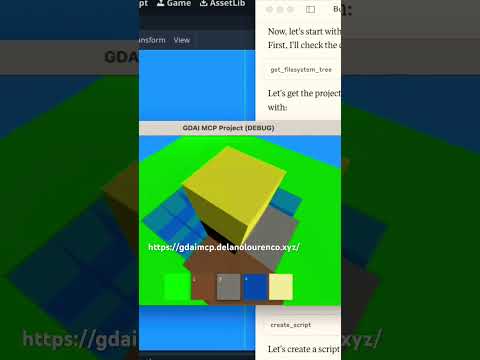
gdai-mcp-plugin-godot
by 3ddelano·★ 85·Score 47
GDAI MCP enables AI assistants to control Godot Engine, automating scene creation, debugging, and game development workflows.
Overview
GDAI MCP is a comprehensive MCP server plugin for Godot Engine that provides AI assistants with direct control over the game development environment. It supports creating scenes, nodes, resources, and scripts programmatically, integrates with debugging tools to view logs and errors, enables file and asset searches across the project, and allows dynamic property updates. The plugin is compatible with popular MCP clients like Claude Desktop, Cursor, Windsurf, and VS Code extensions.
Try asking AI
After installing, here are 5 things you can ask your AI assistant:
When to choose this
Choose this server when working with Godot Engine game development and want AI assistance to automate scene creation, debug scripts, and manage game assets.
When NOT to choose this
Avoid this if you're not using Godot Engine or need game development capabilities for other engines.
Tools this server exposes
12 tools extracted from the READMEget_open_scriptRetrieves the currently open script in Godot Editor
get_open_script_errorsGets script errors from the currently open script
create_sceneCreates a new scene in Godot Engine
add_nodeAdds a new node to the current scene
remove_nodeRemoves a node from the current scene
update_node_propertiesUpdates properties of a node in the scene
get_node_propertiesRetrieves properties of a specific node
search_filesSearches for files and resources in the Godot project
create_resourceCreates a new resource in Godot Engine
get_debugger_outputRetrieves debugger output and logs
take_screenshotTakes a screenshot of the Godot Editor or running game
write_gdscriptCreates or modifies GDScript files in the project
Comparable tools
Installation
Installation Steps
- **Install in Godot Project**
- Download the plugin from [gdaimcp.com](https://gdaimcp.com) - Add the plugin to your Godot project's addons/ folder - Enable the plugin in Godot's Project Settings
- **Configure in MCP Client**
- Add the following to your MCP client configuration: ``json { "mcpServers": { "gdai-godot": { "command": "godot", "args": ["--headless", "--script", "/path/to/gdaimcp_server.gd"] } } } ``
FAQ
- What is GDAI MCP Godot Plugin?
- A plugin that allows any MCP Client to control Godot Engine Editor remotely, enabling it to create scenes, nodes, resources, scripts and more.
- Can this make an entire game with one shot prompt?
- Yes and no. It depends on the quality of your prompt and the LLM used. Claude Desktop most of the times is able to one-shot simple games.
Compare gdai-mcp-plugin-godot with
Last updated · Auto-generated from public README + GitHub signals.