redd-archiver
by 19-84·★ 333·Score 52
A PostgreSQL-backed archive generator that creates browsable HTML archives from link aggregator platforms with MCP server integration.
Overview
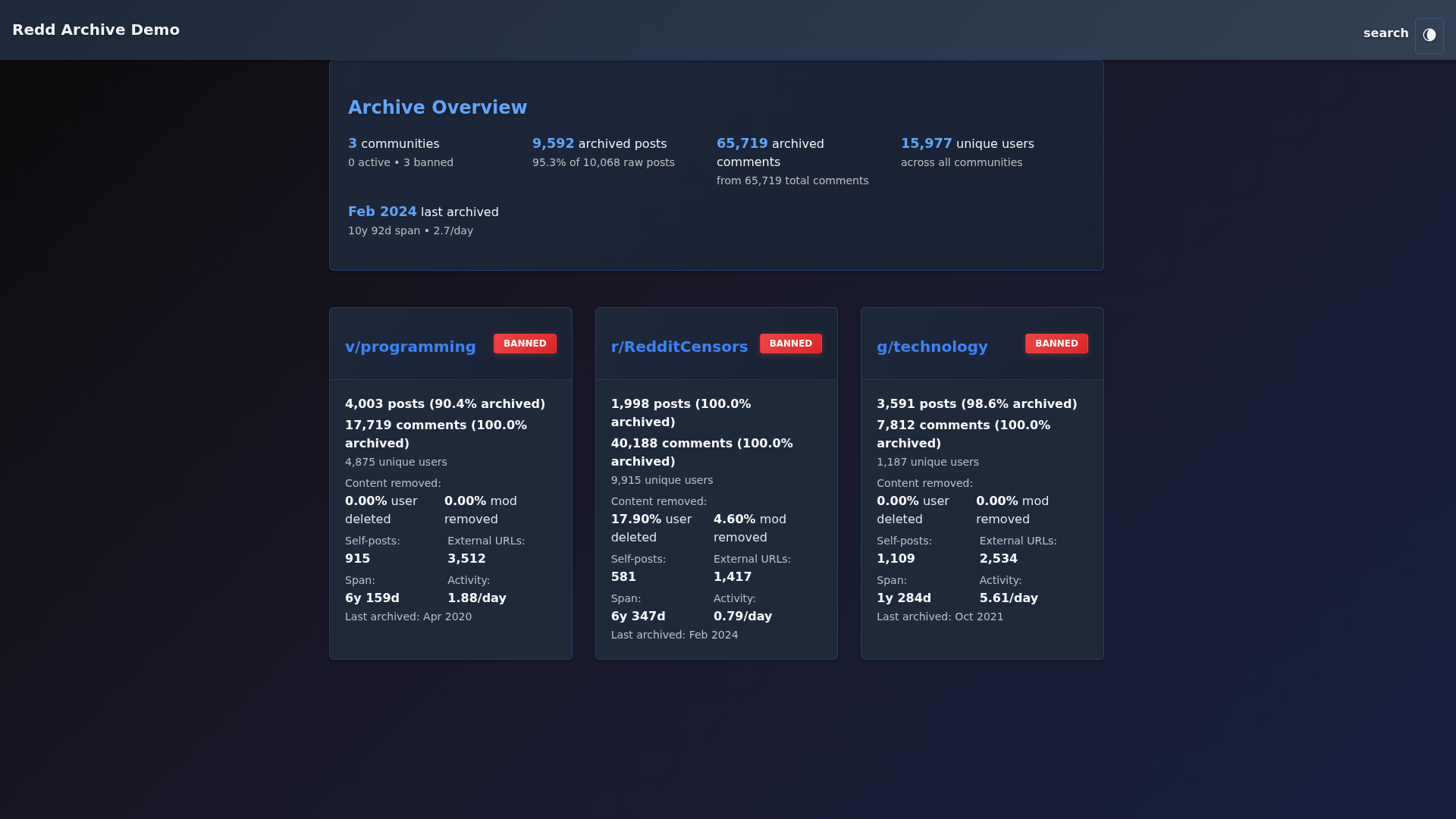
Redd-Archiver transforms compressed data dumps into browsable HTML archives with flexible deployment options. It supports offline browsing via sorted index pages or full-text search with Docker deployment. The project features mobile-first design, multi-platform support (Reddit, Voat, Ruqqus), and enterprise-grade performance with PostgreSQL full-text indexing. The MCP server provides 29 tools for AI assistants to query posts, comments, users, and search across the archives.
Try asking AI
After installing, here are 5 things you can ask your AI assistant:
When to choose this
Choose this when you need AI access to historical forum data from Reddit, Voat, or Ruqqus, especially if you're already using PostgreSQL.
When NOT to choose this
Don't choose this if you need write access to the database (it's read-only) or if you require real-time data from active platforms.
Tools this server exposes
12 tools extracted from the READMEquery_postsQuery posts with filtering options for subreddit, author, date range, and sorting
get_postRetrieve a specific post by its ID
query_commentsQuery comments with filtering options for subreddit, author, date range
get_commentRetrieve a specific comment by its ID
search_postsFull-text search across all posts using PostgreSQL FTS with Google-style operators
get_userRetrieve user profile information and activity summary
query_subredditsQuery subreddits with filtering options and get statistics
get_statsGet archive statistics including total posts, comments, users, and database metrics
get_top_postsGet top posts by various metrics (score, comments, date) with optional filtering
export_postsExport posts in CSV or NDJSON format with filtering options
get_helpGet help and guidance on using search operators and available fields
get_archivesGet information about available archive instances in the registry
Comparable tools
Installation
Installation
**Prerequisites**: Python 3.7+, PostgreSQL 12+, 4GB+ RAM
**Quick Install** (Docker):
git clone https://github.com/19-84/redd-archiver.git
cd redd-archiver

# Create required directories
mkdir -p data output/.postgres-data logs tor-public

# Configure environment (IMPORTANT: change passwords!)
cp .env.example .env
nano .env  # Edit POSTGRES_PASSWORD and DATABASE_URL

# Start services
docker compose up -d

# Generate archive (after downloading .zst files to data/)
python reddarc.py data/ \
  --subreddit privacy \
  --comments-file data/privacy_comments.zst \
  --submissions-file data/privacy_submissions.zst \
  --output output/
**MCP Server Setup for Claude Desktop**:
{
  "mcpServers": {
    "reddarchiver": {
      "command": "uv",
      "args": ["--directory", "/path/to/mcp_server", "run", "python", "server.py"],
      "env": { "REDDARCHIVER_API_URL": "http://localhost:5000" }
    }
  }
}
FAQ
- What platforms does Redd-Archiver support?
- Redd-Archiver supports Reddit (with Pushshift .zst JSON Lines), Voat (SQL dumps), and Ruqqus (.7z JSON Lines). It can create unified archives from multiple platforms.
- How do I deploy the MCP server?
- The MCP server is included in the mcp_server/ directory. Configure it with your API URL and start the server.py script. Claude Desktop configuration is provided in the documentation.
On Hacker News
Recent discussion from the developer community.
- Story by 19-84 · 2026-01-13
Compare redd-archiver with
Last updated · Auto-generated from public README + GitHub signals.