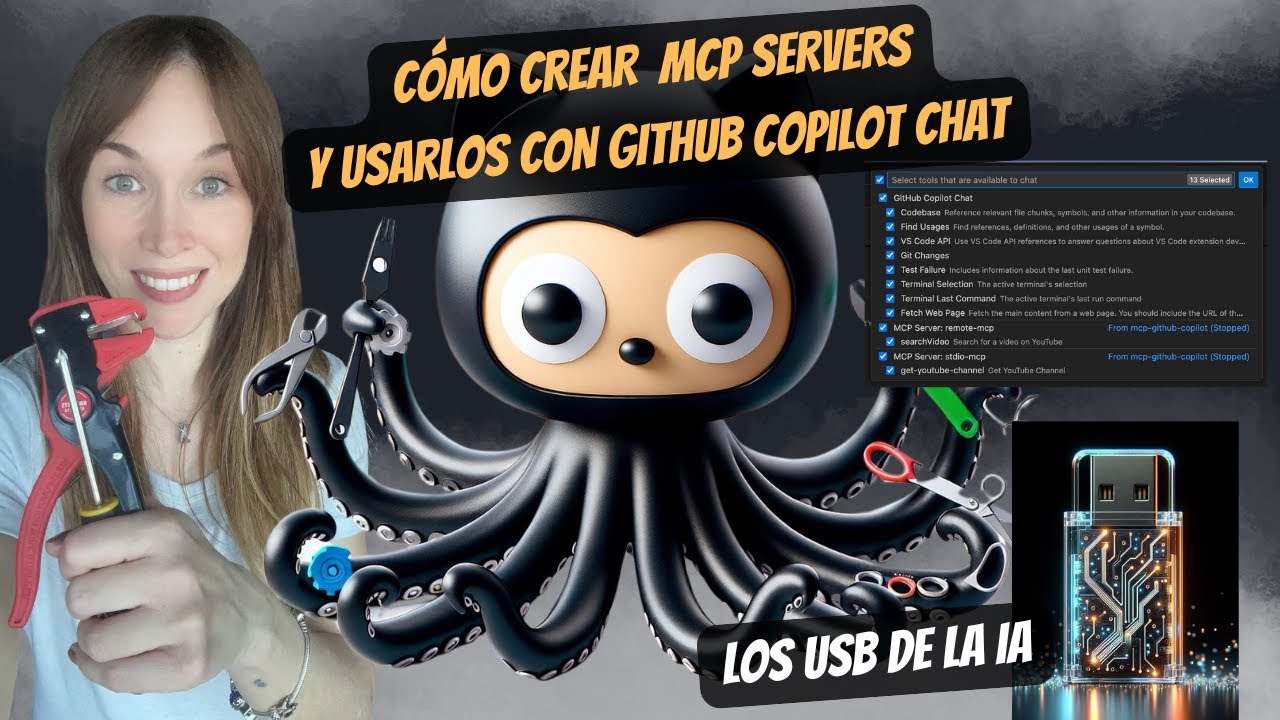
youtube-mcp-server
by 0GiS0·★ 17·Score 40
A practical MCP server that integrates YouTube API with both stdio and SSE transport methods.
Overview
This repository provides a complete implementation of an MCP server for YouTube API integration, showcasing both stdio and SSE transport methods. The code is well-structured with TypeScript for type safety and includes practical examples for GitHub Copilot Chat integration. The implementation demonstrates how to create MCP servers that interact with external services like YouTube.
Try asking AI
After installing, here are 5 things you can ask your AI assistant:
When to choose this
Choose this MCP server if you need to integrate YouTube data into your AI workflows and want both local and remote connection options.
When NOT to choose this
Don't choose this if you need full YouTube functionality beyond channel search and information retrieval, or if you prefer a simpler installation process.
Tools this server exposes
1 tool extracted from the READMEget_youtube_channelSearch for YouTube channels by name and get detailed channel information
Note: Only one tool is explicitly mentioned in the README. The tool name and basic functionality are documented, but no signature details are provided.
Comparable tools
Installation
Installation
Option 1: MCP Server with stdio transport
git clone https://github.com/0GiS0/youtube-mcp-server.git
cd youtube-mcp-server/mcp-stdio
npm install
cp .env-sample .env
# Edit .env with your YouTube API key
npm run build
Option 2: MCP Server with SSE transport
git clone https://github.com/0GiS0/youtube-mcp-server.git
cd youtube-mcp-server/mcp-remote
npm install
cp .env-sample .env
# Edit .env with your YouTube API key
npm run build && npm start
Claude Desktop Configuration
Add to claude_desktop_config.json:
{
  "mcpServers": {
    "youtube-stdio": {
      "command": "node",
      "args": ["/path/to/mcp-stdio/build/index.js"]
    },
    "youtube-remote": {
      "url": "http://localhost:3000"
    }
  }
}
FAQ
- What MCP tools does this server provide?
- The server provides a `get_youtube_channel` tool that allows searching YouTube channels by name and retrieving detailed channel information including statistics and metadata.
- How do I get a YouTube API key?
- You can obtain a YouTube API key from the Google Cloud Console (console.cloud.google.com/apis/credentials). You'll need to enable the YouTube Data API v3 for your project.
Compare youtube-mcp-server with
Last updated · Auto-generated from public README + GitHub signals.